
Skip to Content
Go back

What to Do When Your Apartment Intercom is Not Working
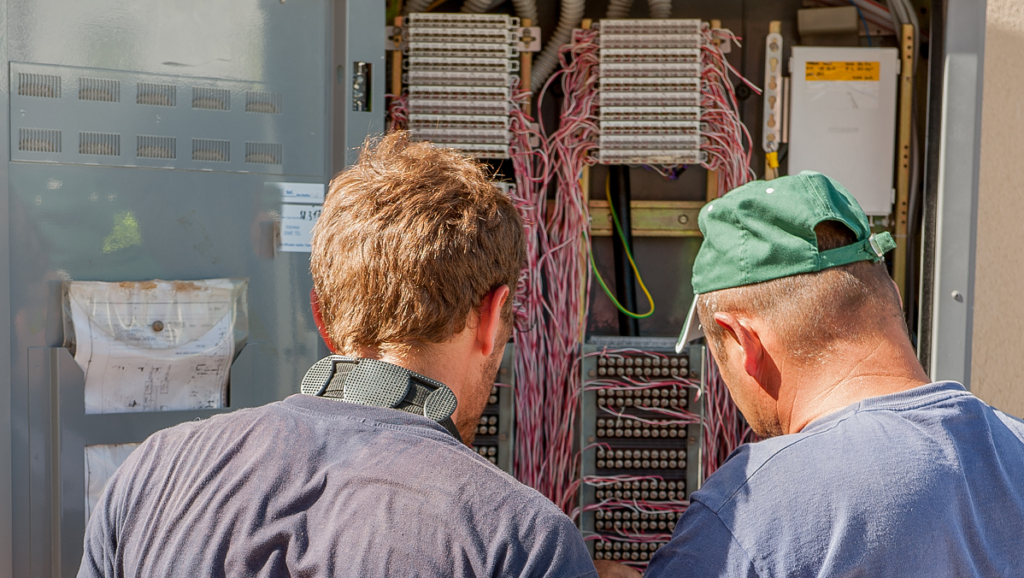
Not Working Intercom

First – sad to hear that your apartment intercom is not working. Below you will find a few steps you can try and resolve the issue.

Flowchart

  1. Consult the user manual
    └───> Found a solution? ────> YES: Apply the solution
    └───> NO: Proceed to step 2
  2. Check the power supply
    └───> Power issue resolved? ──> YES: Test the intercom
    └───> NO: Proceed to step 3
  3. Check the wiring
    └───> Wiring issue resolved? ─> YES: Test the intercom
    └───> NO: Proceed to step 4
  4. Check the settings
    └───> Settings issue resolved? ─> YES: Test the intercom
    └───> NO: Proceed to step 5
  5. Inspect the buttons and controls
    └───> Controls issue resolved? ─> YES: Test the intercom
    └───> NO: Proceed to step 6
  6. Test the door release mechanism
    └───> Mechanism issue resolved? ─> YES: Test the intercom
    └───> NO: Proceed to step 7
  7. Contact the management
    └───> Management resolves the issue? ──> YES: Test the intercom
    └───> NO: Proceed to step 8
  8. Consider upgrading

Troubleshooting Intercom Systems

While there are various brands on the market, such as Comelit, Aiphone, Nutone, and Urmet, the process of troubleshooting these systems is generally the same across all brands.

Consult the user manual

The best place to start with. 🙂 If you’re still experiencing issues, consult the user manual for your specific intercom system. These manuals often include brand-specific troubleshooting tips and solutions. If you lost your intercom user manual or can’t find the answer there – let’s go further.

Check the power supply

  1. Make sure that the intercom system is receiving power.
  2. If it’s a wired system, check the fuse box or circuit breaker to ensure the emphasis is on it.
  3. If it’s a wireless system, check the batteries or charging port.
See also  KNX Smart Home System: Revolutionizing Home Automation

Check the wiring

If you have a wired system, check the wiring connections to ensure they are secure and not damaged. Loose or damaged wiring can cause the intercom to stop working.

Check the settings

Check the intercom system settings to ensure they are configured correctly. Ensure the volume is turned up and the system is set to the correct channel.

Inspect the buttons and controls

Ensure that all buttons and controls are functioning properly. If any are unresponsive or sticking, try cleaning them with a soft cloth and mild cleaning solution. If the issue persists, consider replacing the affected parts.

Test the door release mechanism

If your intercom system includes a door release function, test it to ensure it’s working correctly. If the door isn’t unlocking or locking as intended, inspect the wiring, connections, and the release mechanism itself. In some cases, the issue may be with the door’s lock or latch rather than the intercom system.

Contact the management

If the above steps don’t resolve the issue, contact the building management or landlord. They may need to contact a professional to repair or replace the intercom system.

Consider upgrading

If the intercom system is outdated or not functioning correctly, consider upgrading to a newer system. A new intercom system can provide enhanced security features and better functionality. Here is the guide on how to do it quickly.

Hopefully, checking the power supply, wiring, and settings will help you fix the problem. If these steps don’t work, contact the building management or consider upgrading to a newer system.

See also  Intercom Systems in Canada: A Comprehensive Guide
similar articles
Articles

Access control and a video intercom are often treated as though they were the same thing, because both are linked to entering a building. But they are not quite the same. A video intercom is primarily about communication with a visitor: the call, the conversation, the image, and the decision to release the door. Access […]

Articles

What PoE Means in Simple Terms PoE stands for Power over Ethernet. Put simply, it means that the same Ethernet cable can carry both data and power. That means that, for some devices, you do not need a separate network connection and a separate power feed. If the equipment supports PoE, one cable may be […]

Articles

Why This Comparison Is Often Presented Too Simplistically When people talk about the difference between an IP and an analog video intercom, the discussion is often reduced to a crude formula: analog is basic and outdated, while IP is automatically modern and better. That is a convenient story if someone only wants to sell IP […]

Articles

Start Not with the Design, but with the Use Scenario The most common mistake is choosing an entry panel without a clear task in mind. A panel for a private house, a block of flats, an office, or a commercial site is not the same thing. First, answer the basic questions: How many users will […]

Articles

What the Difference Actually Is A flush-mounted panel is recessed into the wall or into a prepared niche, so only the front face remains visible from the outside. That makes the installation look neater and more integrated. A surface-mounted panel is fixed on top of the wall. It protrudes further, but it is usually much […]

Articles

The term “IP video intercom” often creates a side effect: people assume that such a system must depend on the internet. That is not quite right. Let us look at which functions of an IP intercom can work without internet access and which genuinely require an external connection. The short answer is yes: in many […]

Articles

You ordered groceries or a parcel, but there is no one at the door to open it? A modern IP intercom solves this without “handing a key to a neighbour”. The scenario is simple: the courier rings the intercom, you receive the call on your phone, see the person on video, talk to them, remotely […]

Articles

Hartman Controls is an Access Control company focused on integrated platforms for modern buildings. Its flagship platform, Odyssey, is built around access control while integrating intercom communication, video management, cameras, and mobile interaction into a single, cohesive ecosystem. Odyssey includes: Centralized access control platform for managing credentials, doors, elevators and permissions Modern Management interface via […]

Articles

The modern intercom industry represents a unique combination of electrical engineering, security systems, and information technology. For more than a century, this sector has evolved from simple acoustic tubes to complex cloud ecosystems integrated with artificial intelligence. By 2025, the global market for intercom devices is valued at USD 33.4 billion, with projected growth to […]

Articles

BAS-IP is pleased to announce the successful confirmation of compatibility between BAS-IP video intercom entrance panels and Zennio Z-series touch panels. This integration unites professional IP intercom technology with advanced KNX-based touch interfaces, delivering a seamless and reliable communication experience for residential and commercial projects. Confirmed Functionality Compatibility has been rigorously tested and verified across […]