


Skip to Content
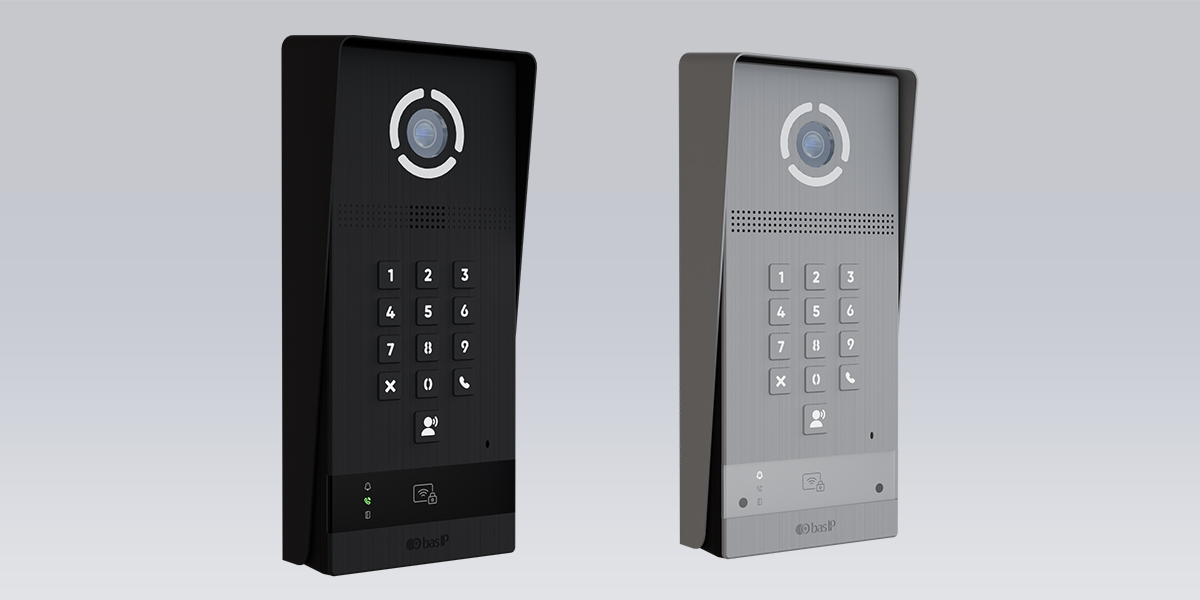
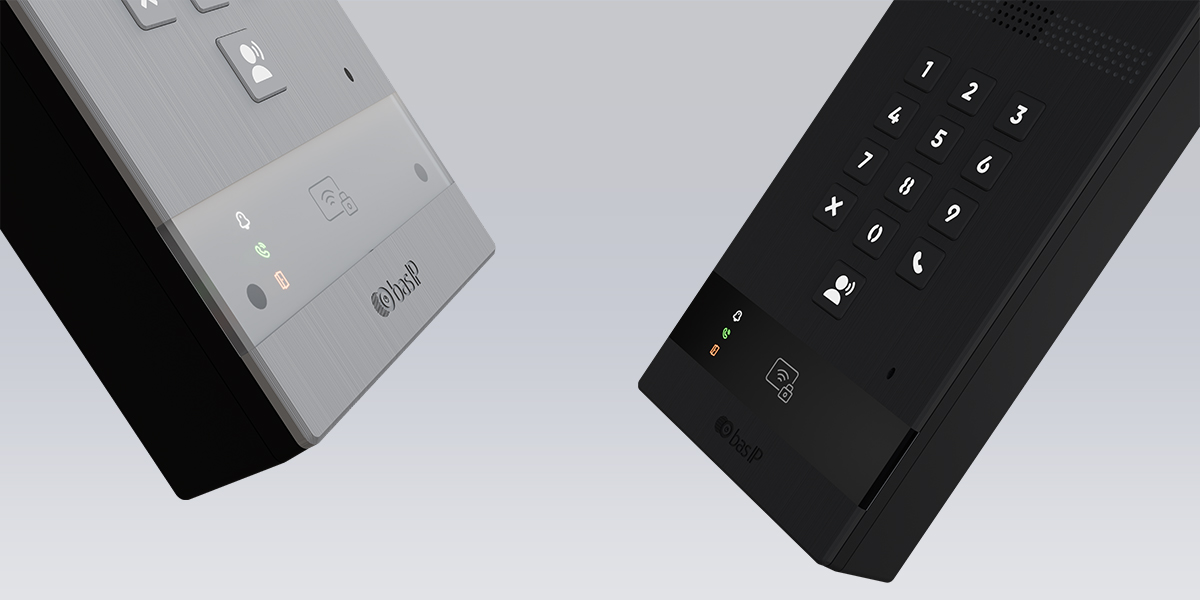
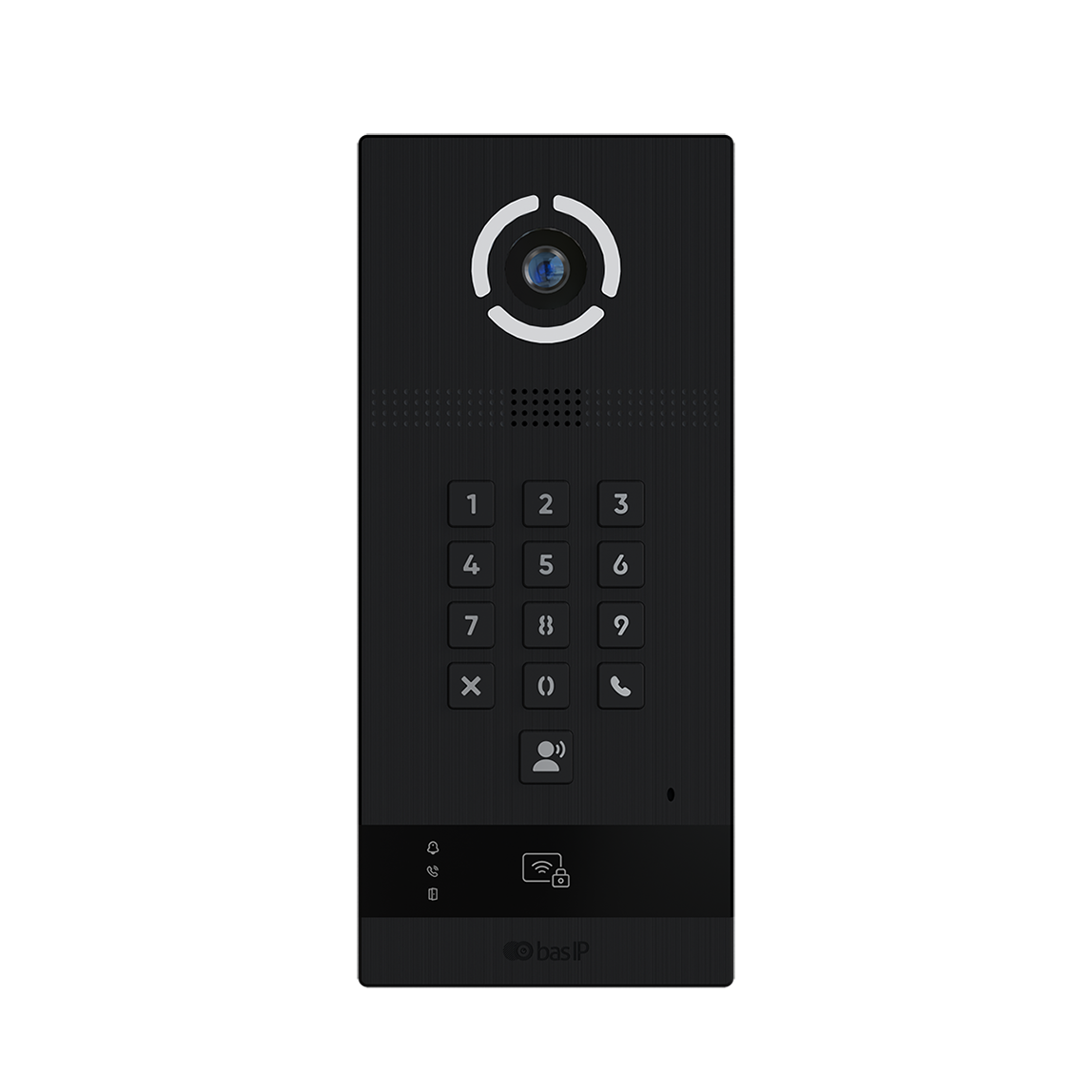
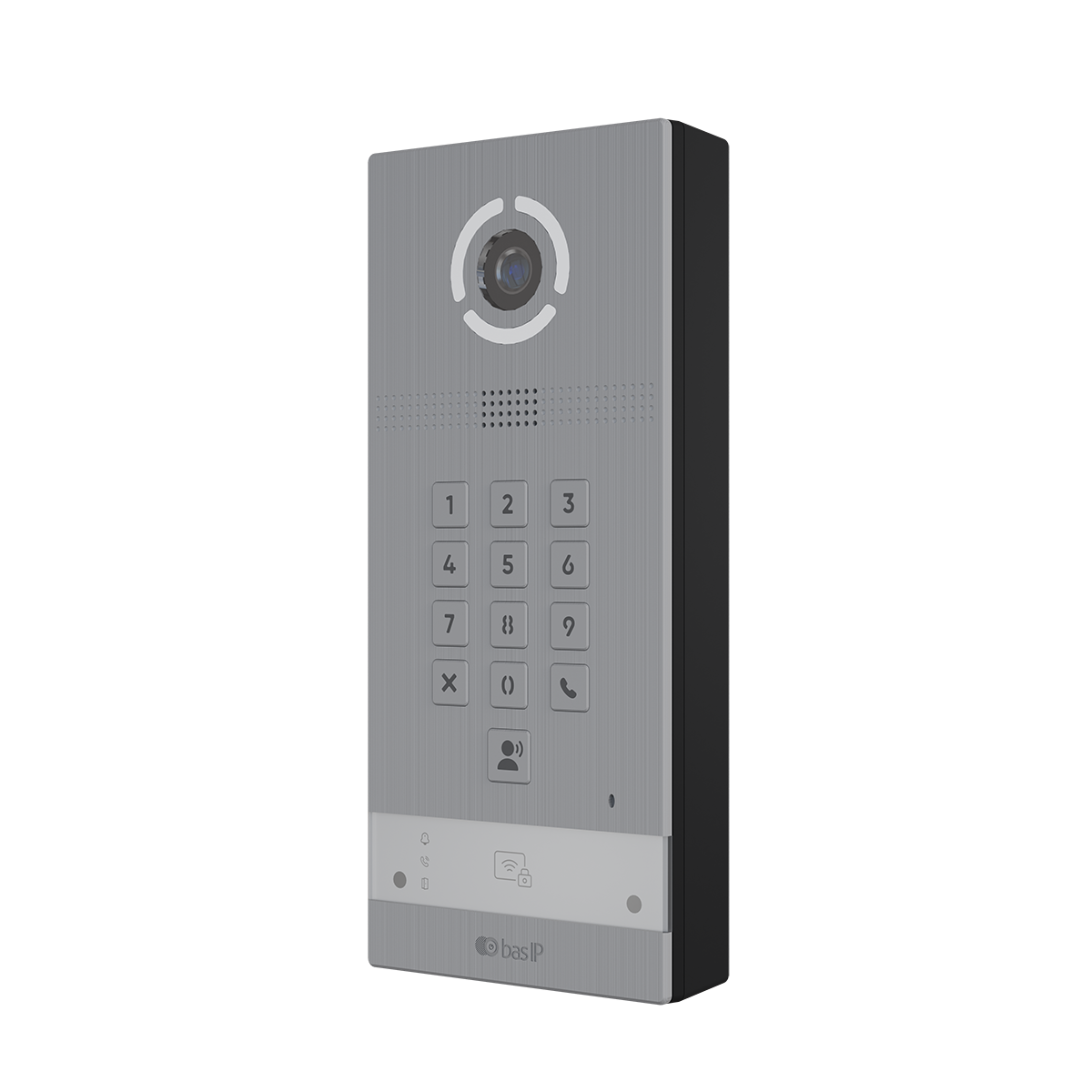
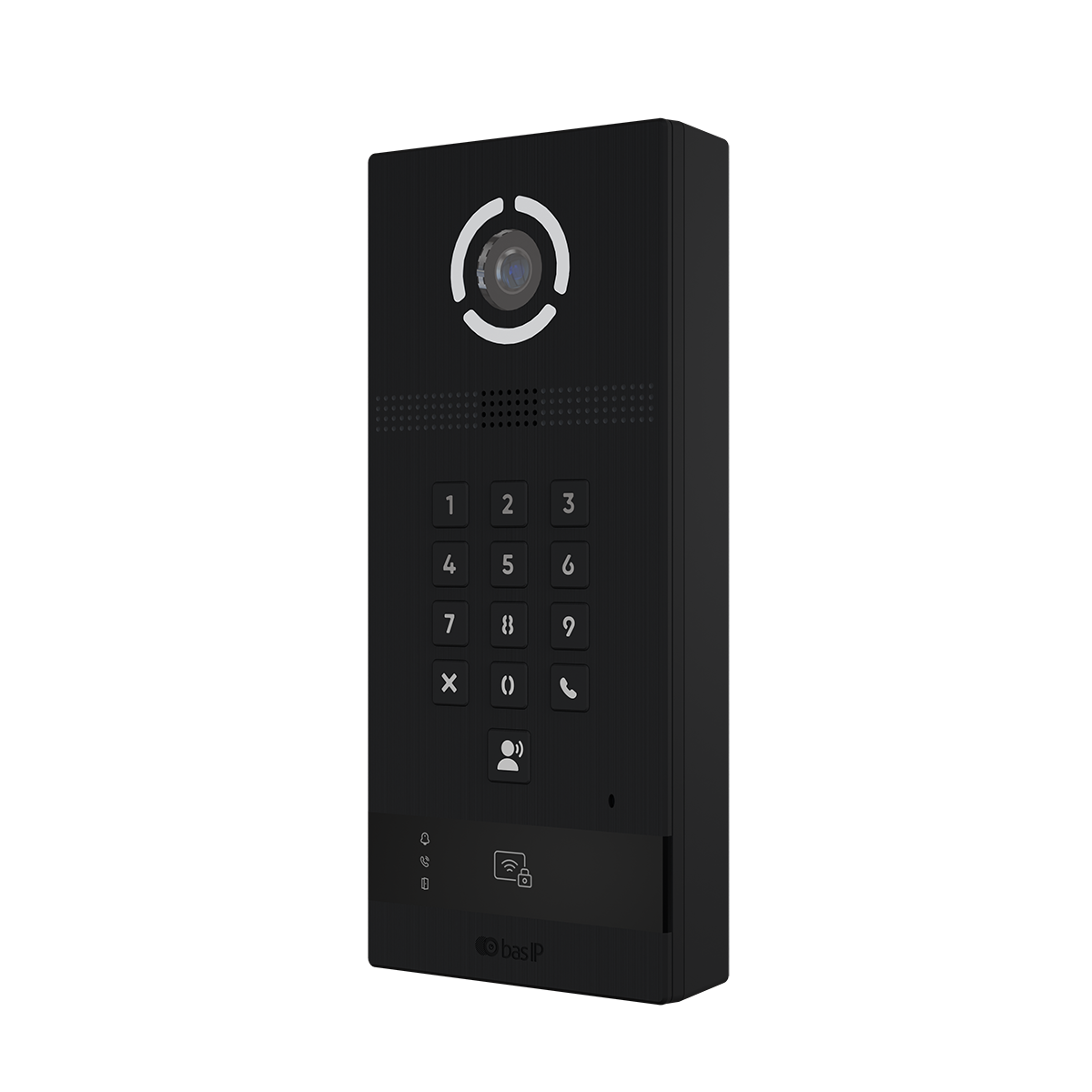
AV-09KFBI
Multi‑Apartment Entrance Panel for MDU Projects
Secure, accessible shared entry with built-in face recognition and multi-factor authentication, ready for Wiegand, ONVIF and SIP integrations.
Full HD Stainless Steel Modern design Link Support
Oblique Parking Access Point Oblique Parking Access Point Oblique Parking Access Point
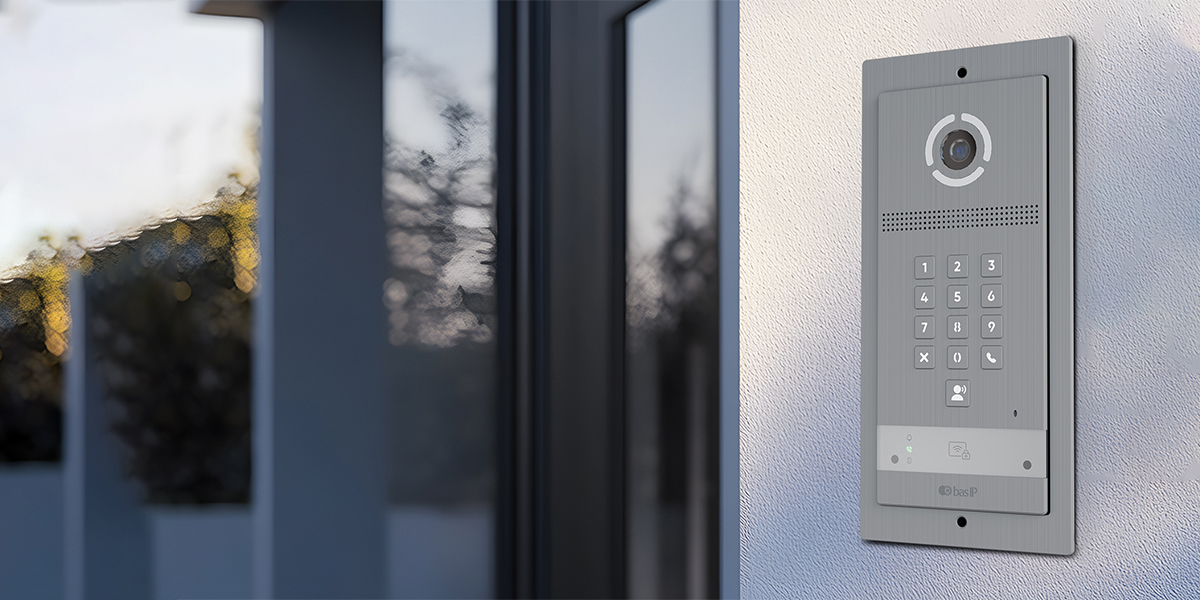
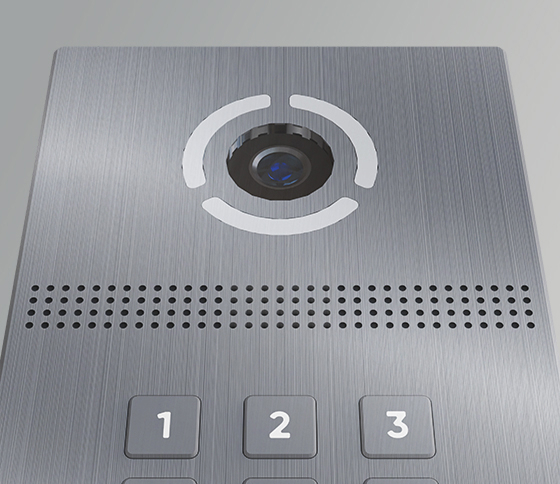
Built-in camera

Built-in camera

Integrated camera for visitor identification
Multi-factor entry

Multi-factor entry

Supports multiple shared-entry access methods
Apartment calling

Apartment calling

Built for multi-tenant entry workflows
Wiegand output

Wiegand output

Can connect to access control architecture
Induction loop

Induction loop

Supports accessibility-conscious projects
PoE support

PoE support

Simplifies cabling and installation planning
Outdoor durability

Outdoor durability

IP65 / IK07 protection for entrance use
Wide temperature range

Wide temperature range

Suitable for demanding installation environments

Designed for modern MDU entry points
Reduce operational overhead and improve security with flexible access methods and integration‑ready architecture.
Security outcomes

Security outcomes

Multi-factor access and controlled entry for shared residential and mixed-use entrances
Operations outcomes

Operations outcomes

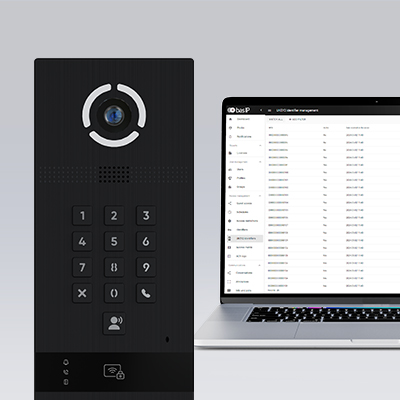
Remote management and simpler administration across apartment and shared-entry access points
Accessibility outcomes

Accessibility outcomes

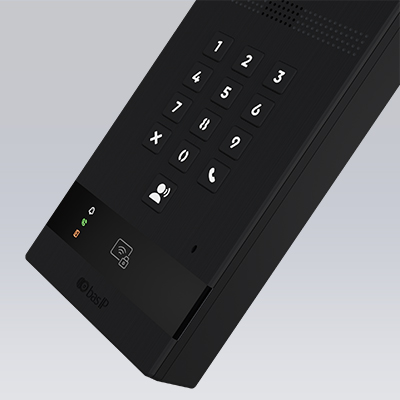
Induction loop support, clear status indicators and backlit keypad for easier daily interaction

MDU / apartment building

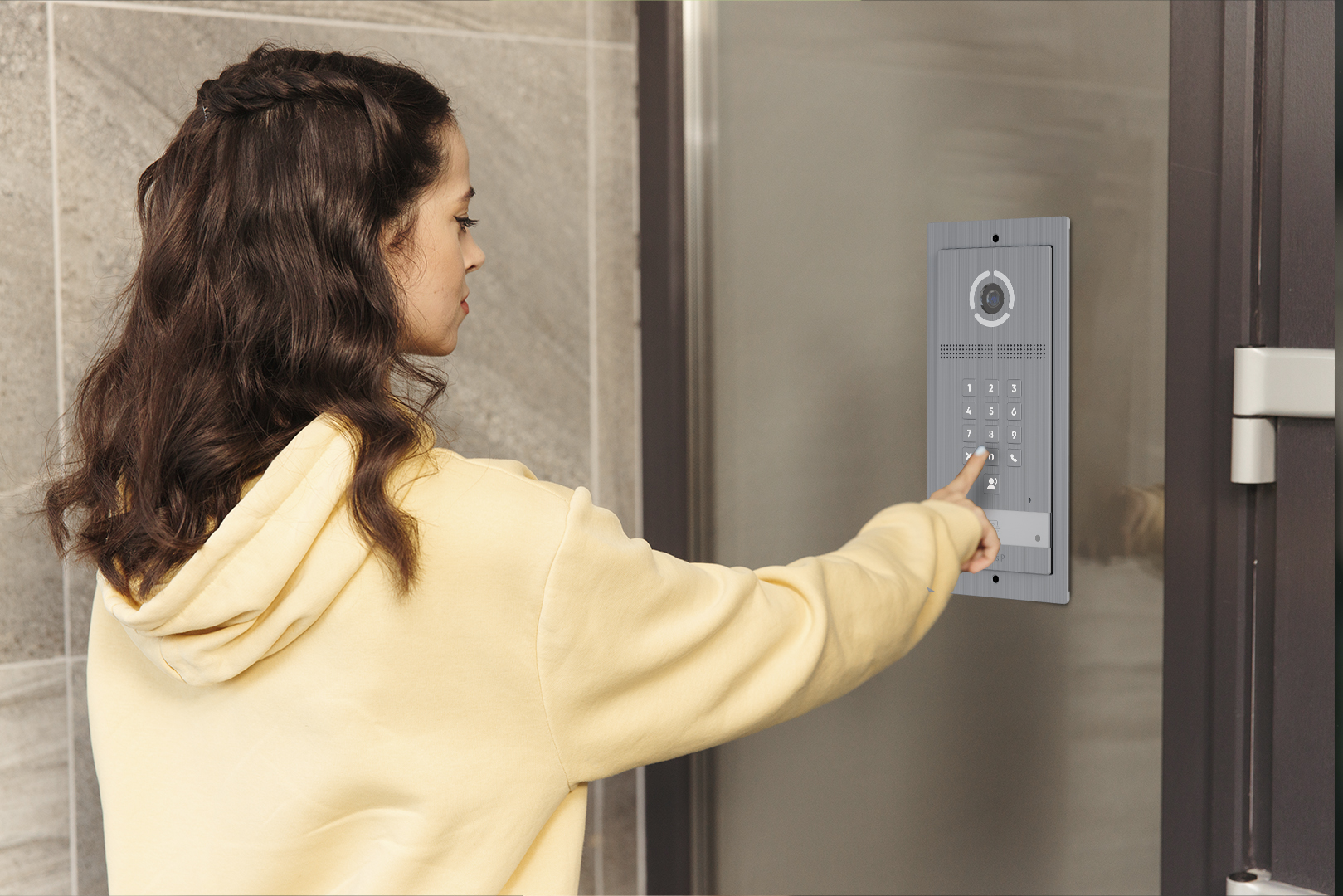
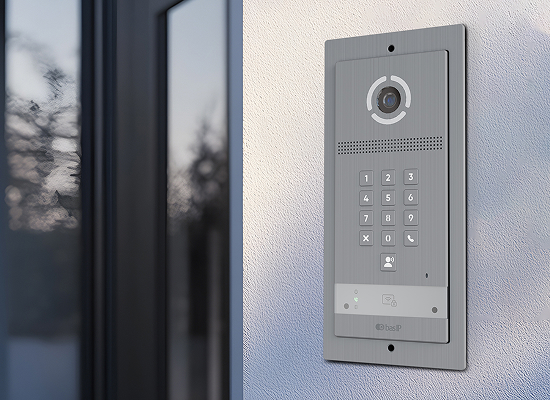
Supports apartment selection, resident calling and shared-entry workflows for multi-tenant residential projects.
Single-tenant / office

Suitable for simplified entry scenarios with one office, one tenant or one destination logic.

Ultimate Access Control. Choose Your Way In.

Choose the access mix that fits your building. Combine methods based on policy.

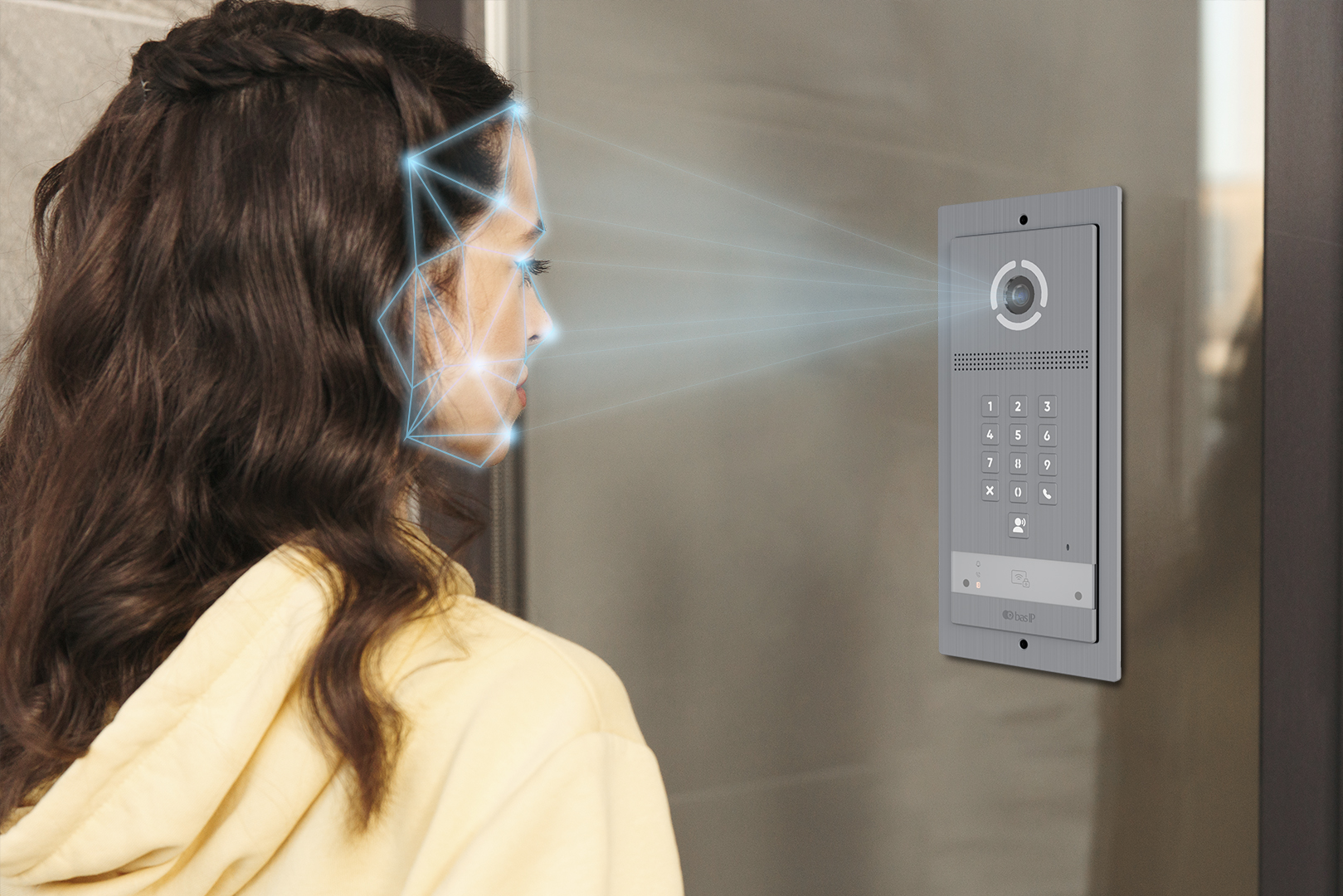
Face recognition

Face recognition

Hands-free entry for configured users in supported project scenarios.

Access by QR code

Access by QR code

Generate temporary QR codes for guests or delivery services. It’s a fast, touchless, and highly secure way to grant limited-time access without issuing physical keys.

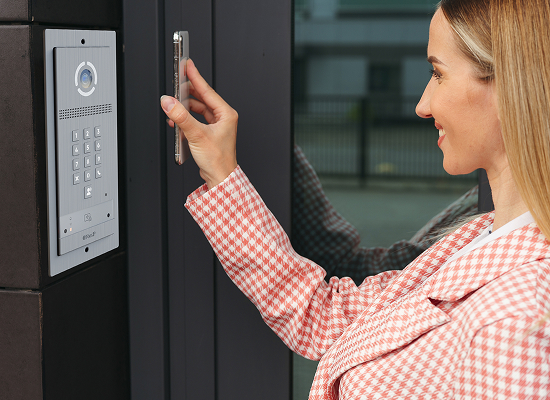
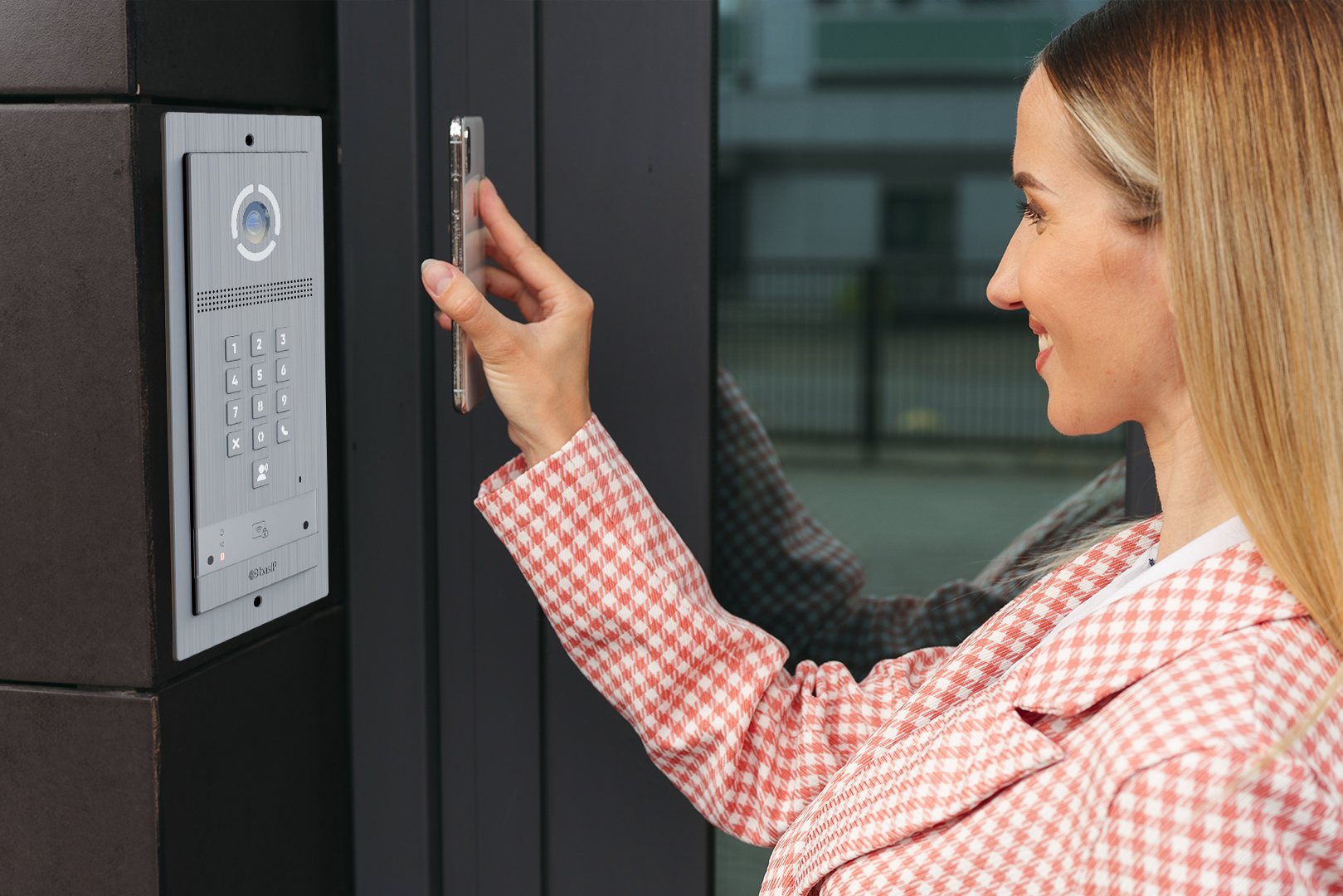
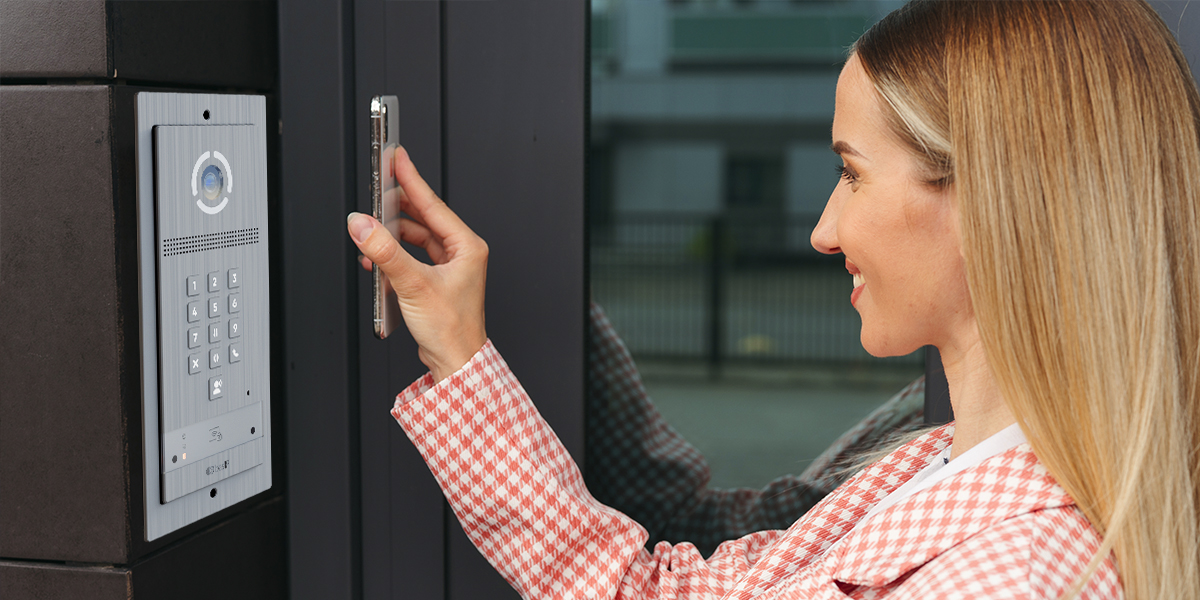
UKEY Mobile Access

UKEY Mobile Access

Turn your smartphone into a secure digital key. Use our exclusive UKEY technology via Bluetooth or NFC to unlock the door instantly, even without taking the phone out of your pocket.

Access by access code

Access by access code

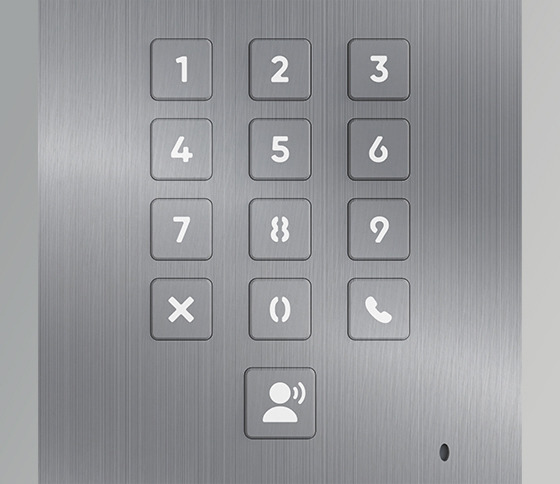
Enter a secure, personalized PIN code on the mechanical keyboard. A simple and reliable fallback method that ensures you always have a keyless way to get inside.

License plate recognition

License plate recognition

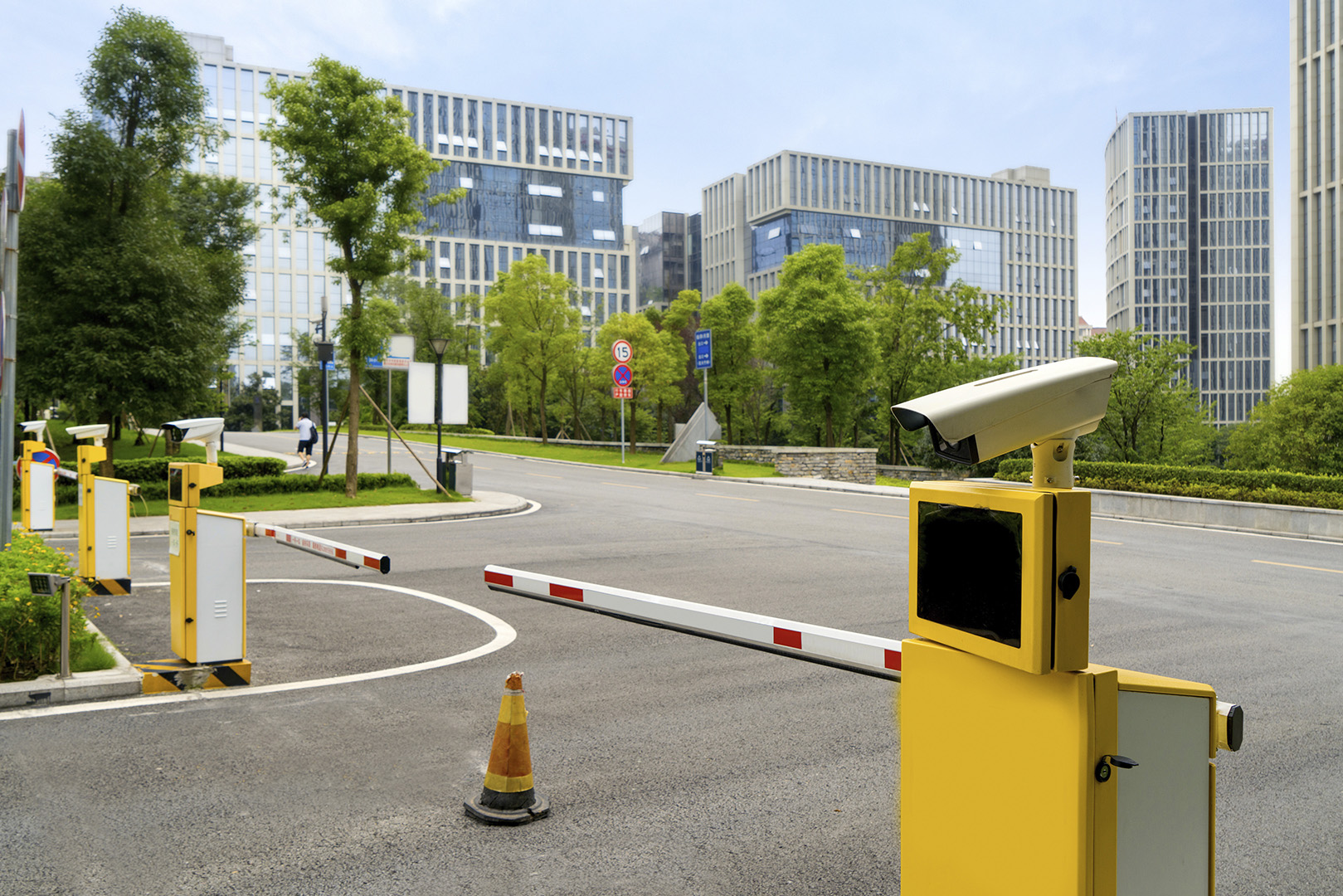
Can support vehicle-entry workflows in integrated gate and perimeter scenarios.

RFID card access

RFID card access

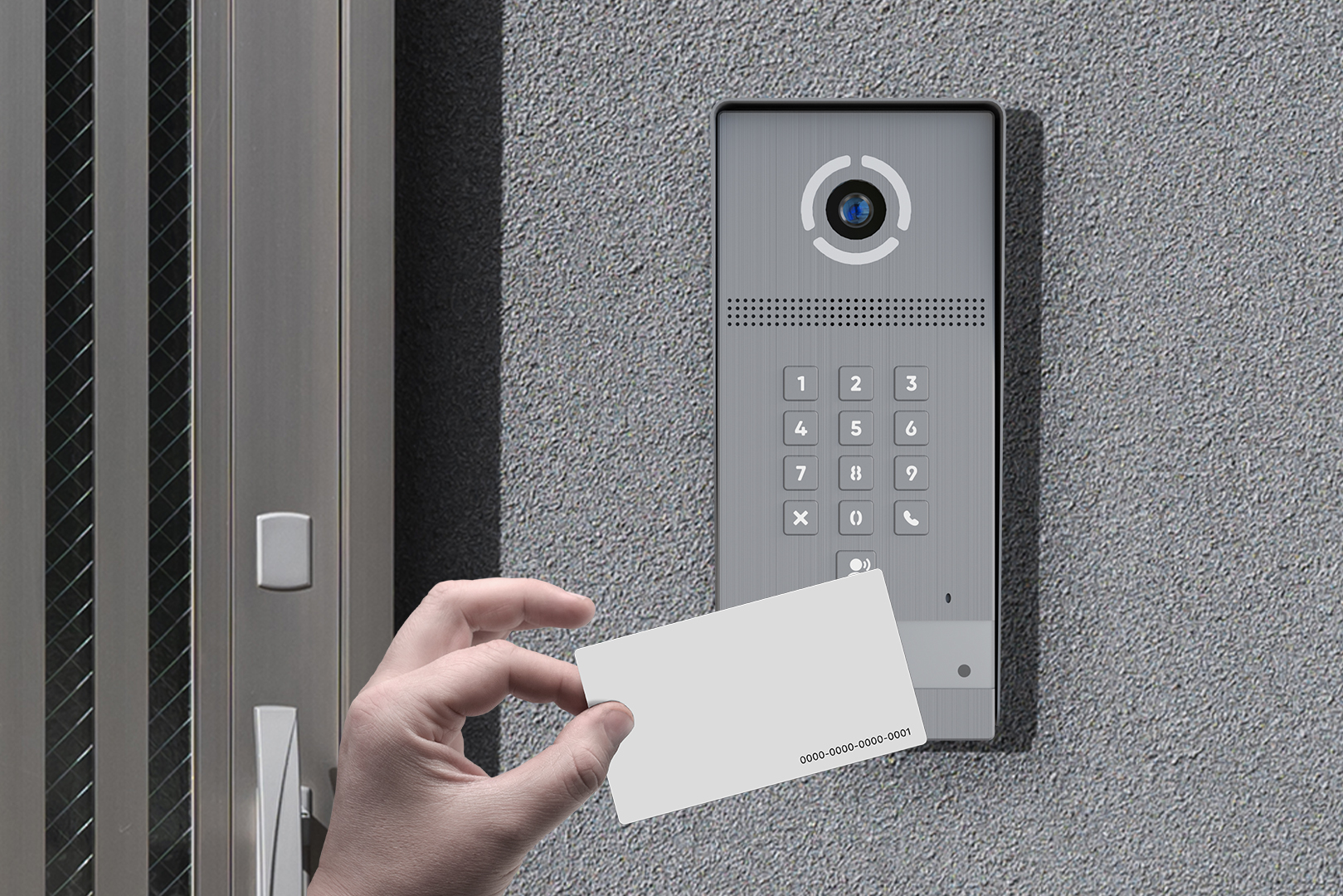
Familiar credential-based entry for residents, staff and managed user groups.

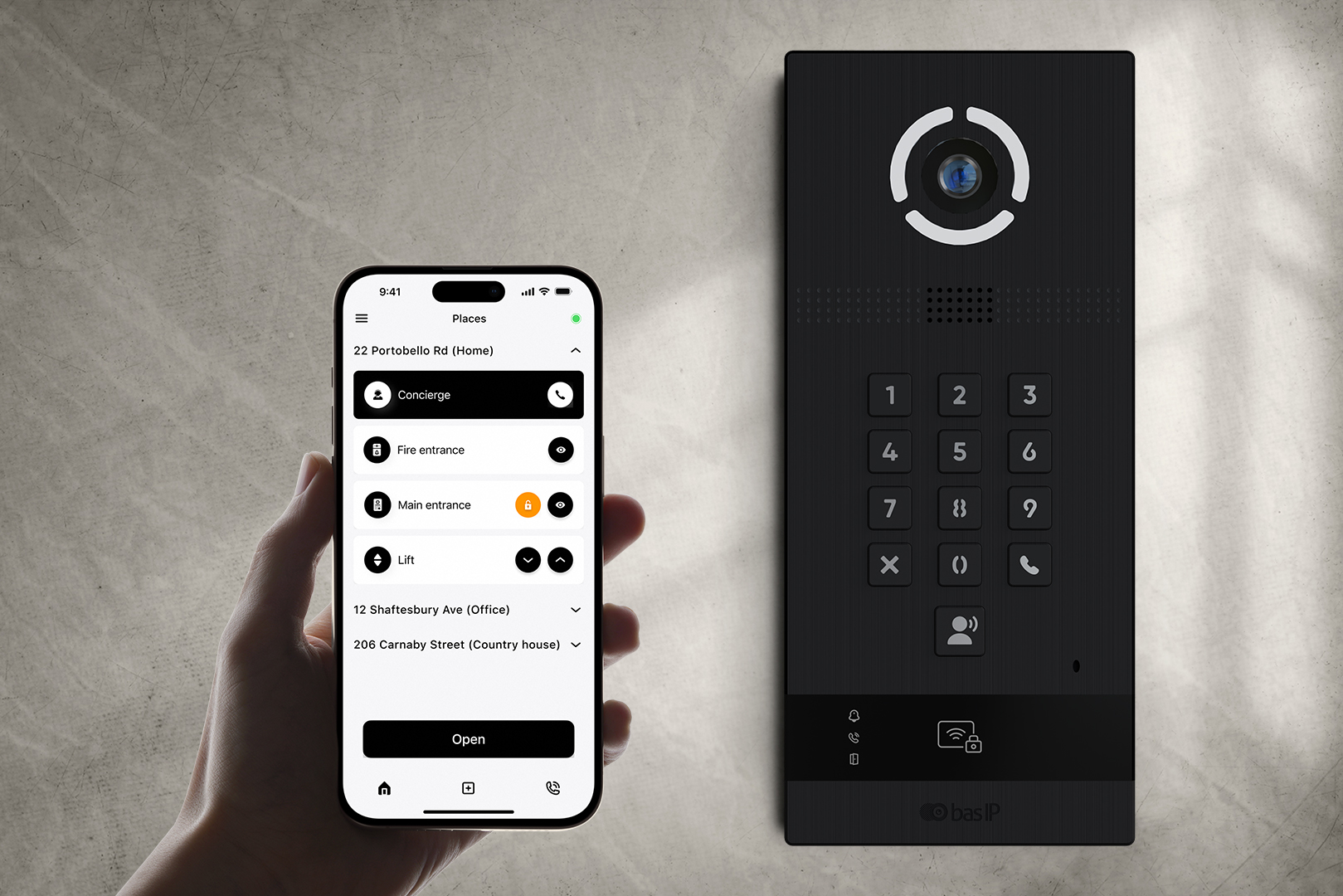
From the BAS-IP Link app

From the BAS-IP Link app

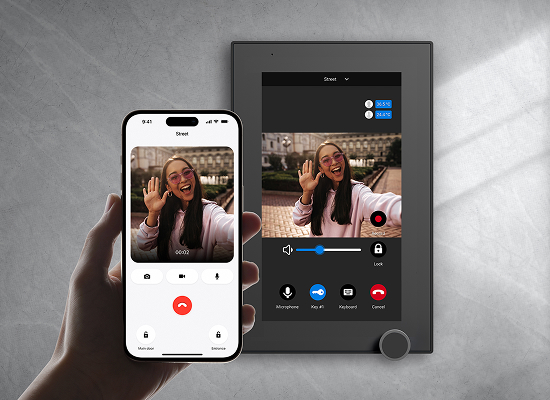
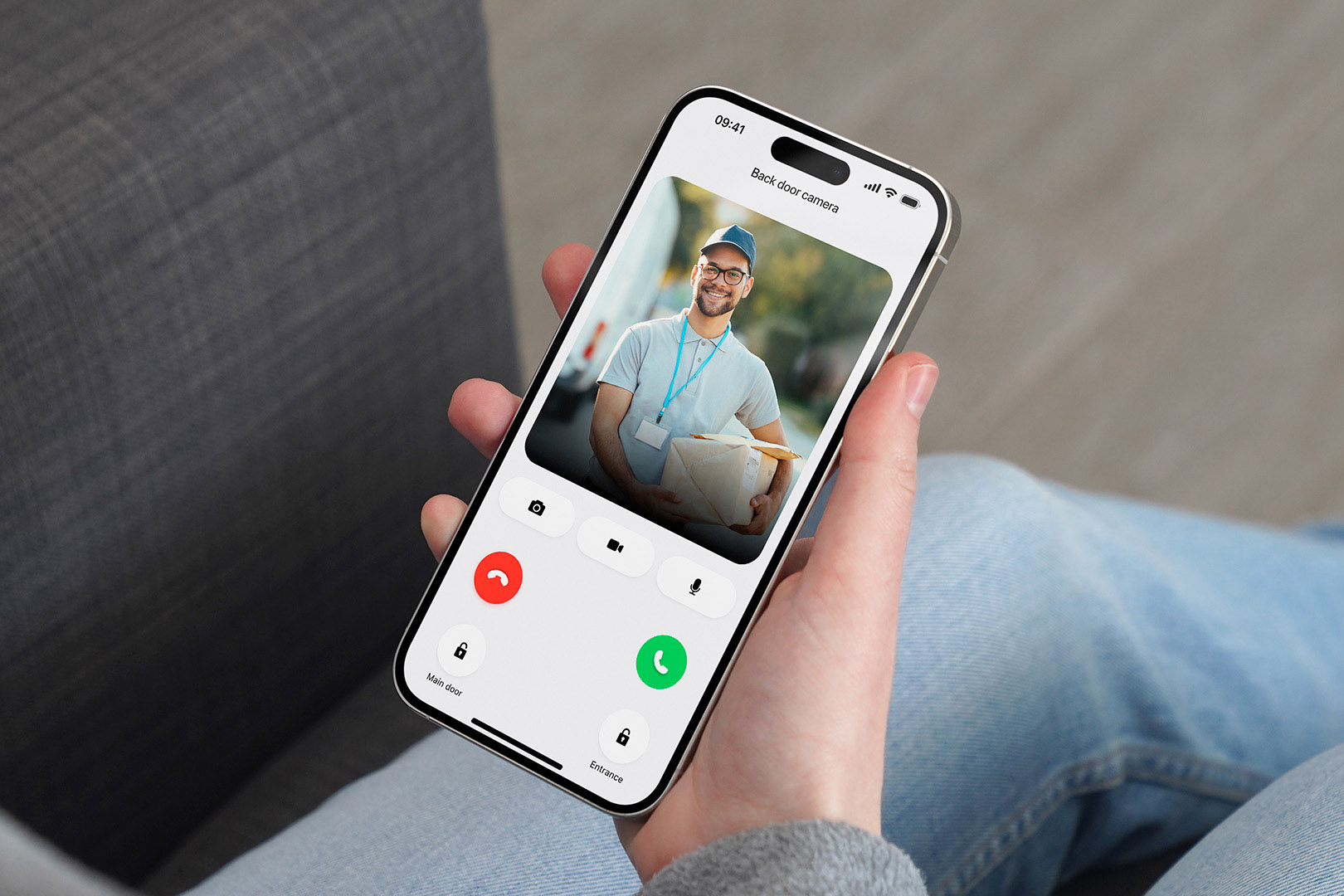
Control access from anywhere in the world. Use the intuitive BAS-IP Link mobile app to answer calls, view camera feeds, and unlock doors directly from your smartphone.

Intelligent Solutions for Complex Challenges

Supports standard communication and video integration paths for multi-tenant entrance projects, including monitors, mobile response and related system architecture.

Can connect the panel to external access control architecture through Wiegand output for supported project scenarios.

Supports integration scenarios with 3rd-party platforms and project-specific logic through available API-based workflows.

Supports elevator workflow integration in compatible project configurations via EVRC-IP.

System expansion can include supported modules such as SH-42 and SH-12, depending on project requirements and architecture.
SIP 2.0 / RTSP / ONVIF
Induction loop output support

Induction loop output support

Supports hearing-assistance scenarios and accessibility-conscious project requirements for shared entrances.

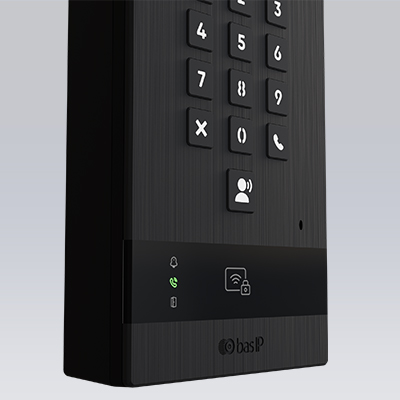
Clear status indicators

Provides visible feedback during calling, access and interaction flows at the entrance panel.
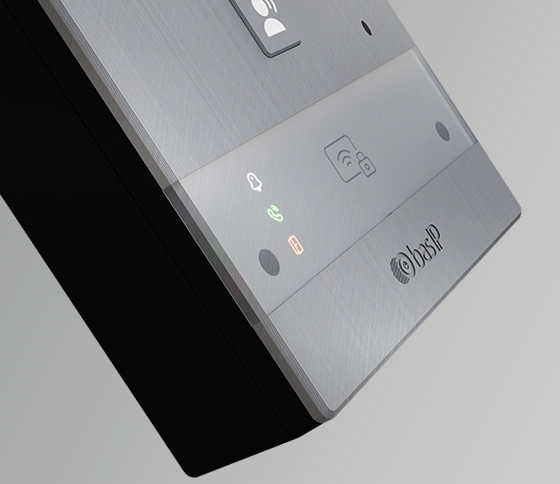
Clear status indicators
Backlit mechanical keypad

Backlit mechanical keypad

Improves visibility and tactile interaction for daily use in residential and mixed-use entry points.

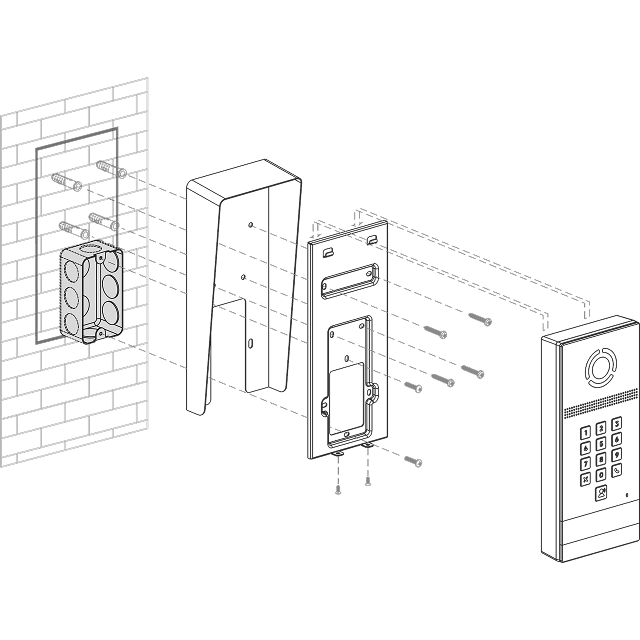
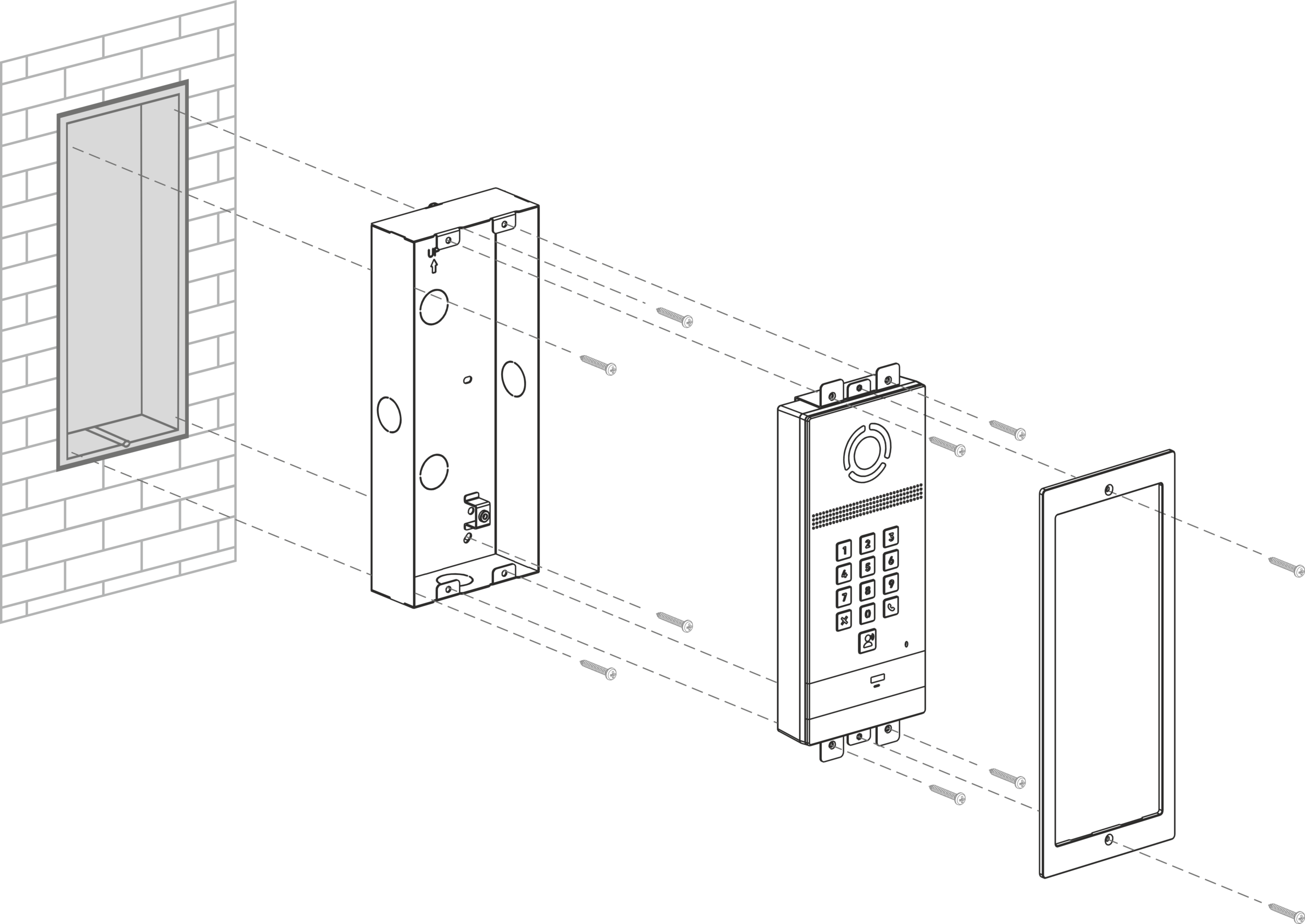
Installation & mounting options

Surface or flush mounting with accesories – spec-ready drawings

Standard surface-mount installation for projects where wall recessing is not planned.

  • Suitable for exposed wall installation
  • Use dedicated mounting accessory
  • Show overall dimensions in drawing

Optional flush-mount installation for projects that require a more integrated wall finish.

  • Requires wall recess preparation
  • Use dedicated flush-mount accessory
  • Show cutout and depth requirements

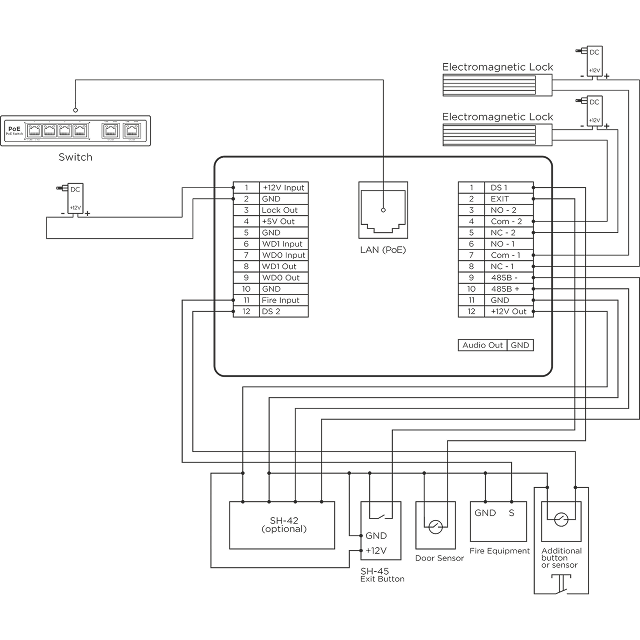
Power and connection layout for installation planning and site preparation.

  • Show power options
  • Indicate cable entry / connector logic
  • Keep the diagram simple and readable

Key mounting and preparation notes to review before final installation.

  • Wall preparation and tolerances
  • Mounting depth / service access
  • Sealing / outdoor installation notes
Surface mount (standard)
Flush mount (optional)
Power & wiring
Installer notes

Specifications

Key specs first. Full specifications below (accordion).
Camera

Camera

1/2.8″
Resolution

Resolution

2.0 MP / Full HD
Viewing angle

Viewing angle

110° horizontal
Protection

Protection

IP65 / IK07
Power

Power

PoE
Output

Output

Wiegand
Operating temperature

Operating temperature

−40 to +65°C
Accessibility

Accessibility

Induction loop
Camera
2.0 Мpx
Resolution
1/2.8”
Viewing angle
110° (horizontal)
Protection
IP65 / IK07
Operating temperature
−40 to +65°C
Wiegand
Yes
SIP / RTSP / ONVIF
Yes
Induction loop
Yes
Access-related items
Yes
Power supply
12V DC or IEEE 802.3af PoE
Power consumption
6.5 W, in standby — 3.8 W
Mounting
Surface mounting (standard)
Size of the pane
106 × 240 × 34.5 mm
Optional accessories
Rain cover bracket / Flush-mounting box

Gallery

Buy with this product
Resources & downloads

Total cost of ownership (TCO)

Fewer site visits

Remote management and supported system workflows can help reduce some on-site service tasks.

Flexible identifiers

Multiple supported access methods can help adapt entry workflows without replacing the entrance panel.

36-month warranty

A longer warranty period can support planning confidence for residential and mixed-use projects.

Request a project quote

Share your country and company type — we’ll propose a configuration for your project.

    What you get

    Please select a topic below related to your inquiry. If you don't find what you need

    Become a distributor