
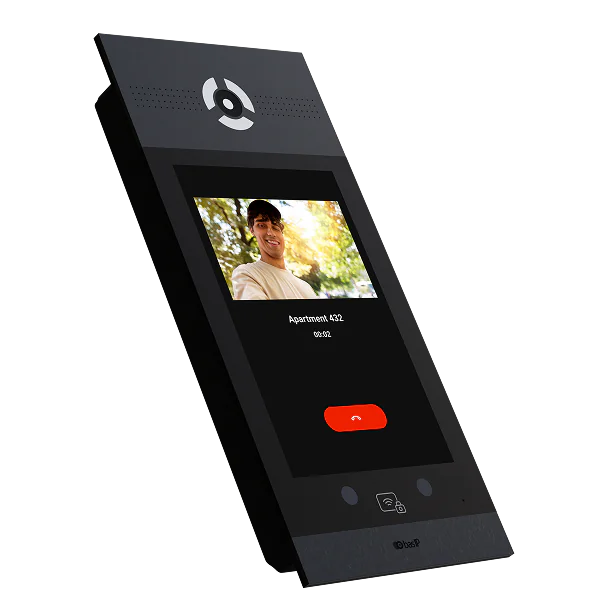



What This Lets You Sell
With BAS-IP, Alarm.com Service Providers can expand into professional IP door entry projects where visitor access, mobile app calling and premium entrance hardware are required

Professional Lobby & Entrance Intercoms
Sell project-grade visitor communication for buildings where a consumer-grade video doorbell is not enough
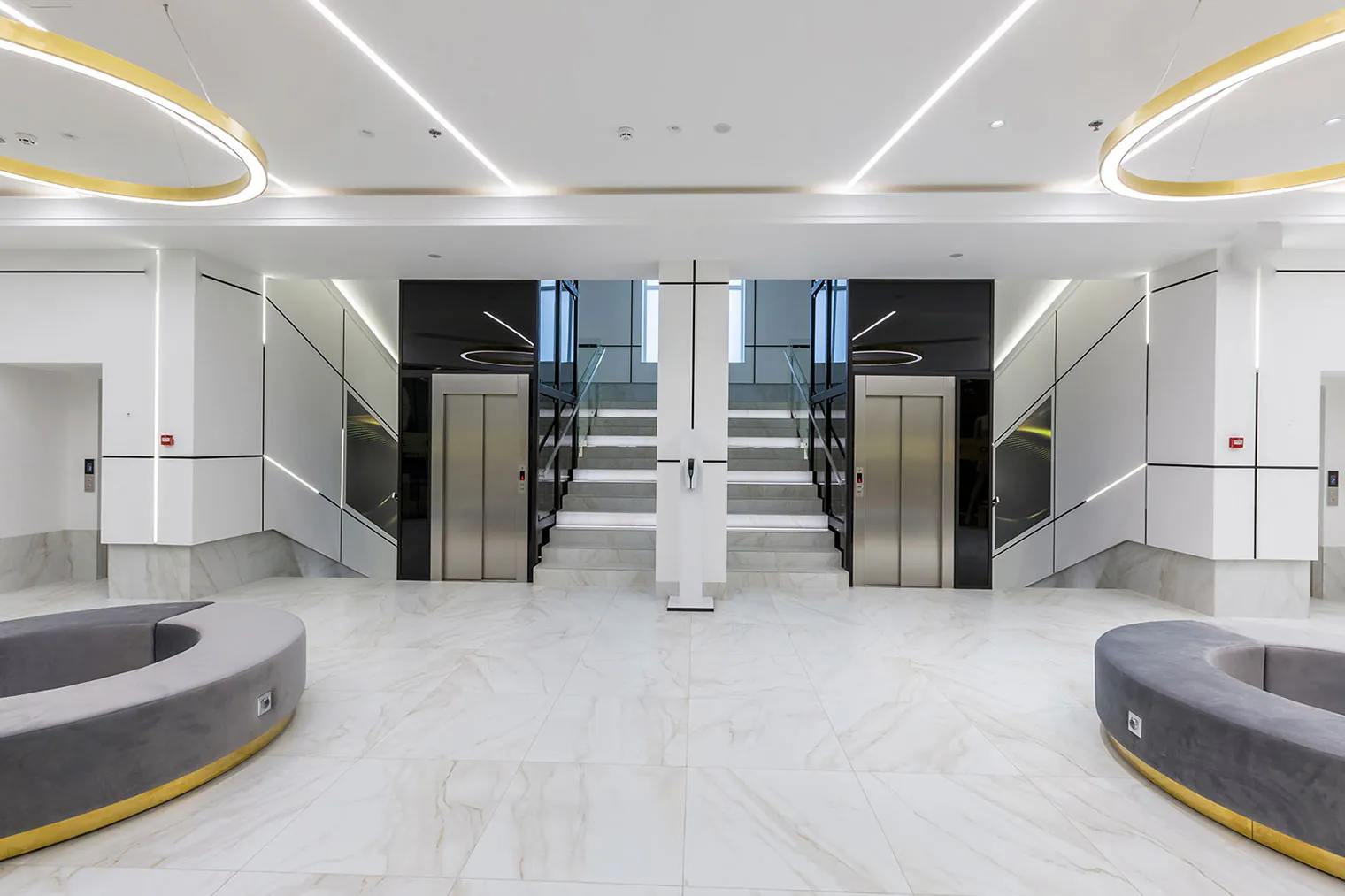
Multifamily Visitor Access
Support resident calls, Alarm.com mobile app calling and BAS-IP indoor monitor call sequences

Commercial Front-Entry Solutions
Add professional visitor entry to offices, mixed-use properties and managed commercial sites

Premium Residential Entrances
Use BAS-IP where entrance design, installation quality and mobile app visitor access matter
How BAS-IP Works with Alarm.com
Diagram 1: Alarm.com Cloud Path
Supported BAS-IP entry panels connect to the Alarm.com platform. Calls can be routed to the Alarm.com mobile app, where users can see visitors, communicate with them and use supported remote door release workflows.
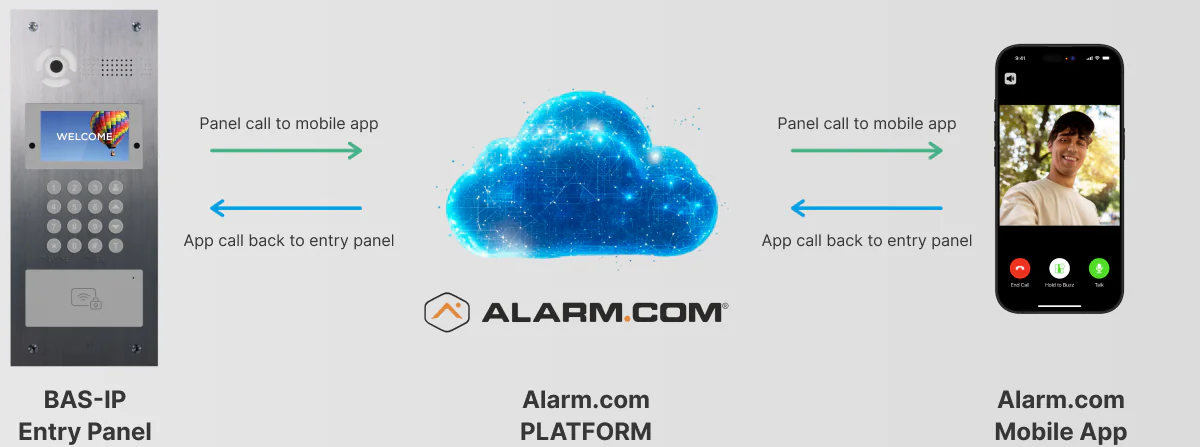
Calls, video and supported remote door release workflows are delivered through the Alarm.com platform to the Alarm.com mobile app
Diagram 2: Alarm.com Cloud Path + Local BAS-IP Monitor Path
BAS-IP indoor monitors are not directly integrated with the Alarm.com platform. However, they can remain part of the local BAS-IP call sequence and receive calls from the entry panel alongside the Alarm.com mobile app — simultaneously or sequentially, depending on the project configuration.
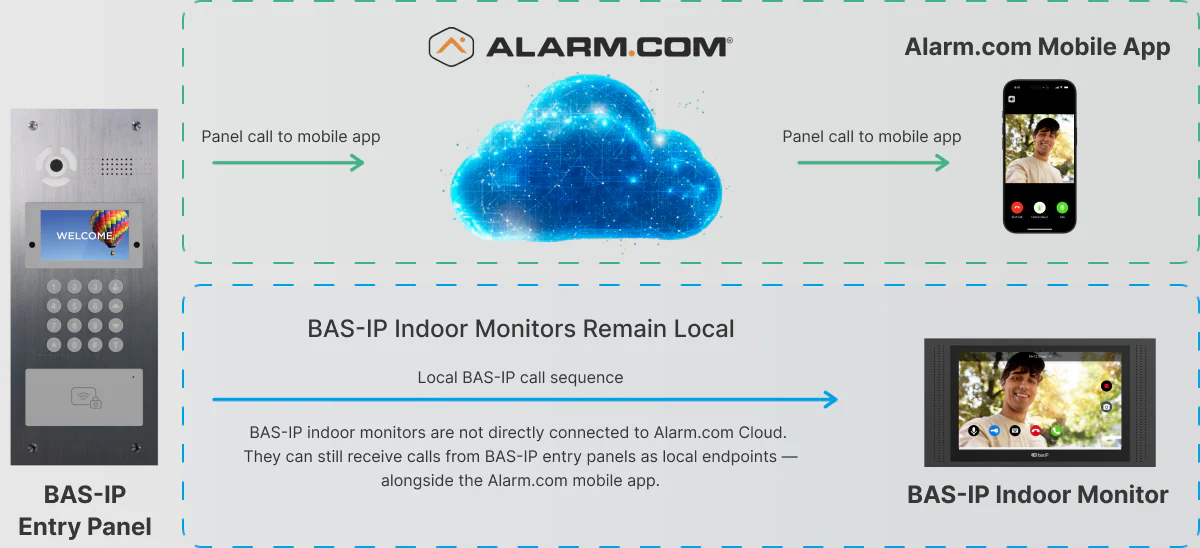
Only the BAS-IP entry panel is integrated with Alarm.com Cloud. Indoor monitors remain local endpoints.
Core Integration Features
Key BAS-IP + Alarm.com workflows that help partners deliver professional visitor access through the Alarm.com platform

Mobile App Calling
Calls from BAS-IP entry panels can be routed to the Alarm.com mobile app, helping users identify visitors, communicate and use supported remote door release workflows

Live Video Before Answer
Live video from the BAS-IP entry panel can appear in the Alarm.com mobile app before the call is answered, helping users assess the visitor first

Flexible Call Routing Rules
BAS-IP entry panel calls can be routed to the Alarm.com mobile app and BAS-IP indoor monitors in the same call sequence — simultaneously or sequentially

Missed-Call Snapshot
When a call is missed, a snapshot from the BAS-IP entry panel can be saved in Alarm.com history for later review, where supported

Supported Device Management
Supported BAS-IP entry panels can appear in the Alarm.com ecosystem for device status, identification and available configuration workflows

RTSP Recording Workflows
Where supported, the BAS-IP entry panel video stream can be used via RTSP for Alarm.com recording workflows, including continuous or event-based recording
Compatible BAS-IP Entry Panels
Compatible BAS-IP entry panels for Alarm.com integration scenarios. Choose the right model for multifamily, commercial and premium residential projects.
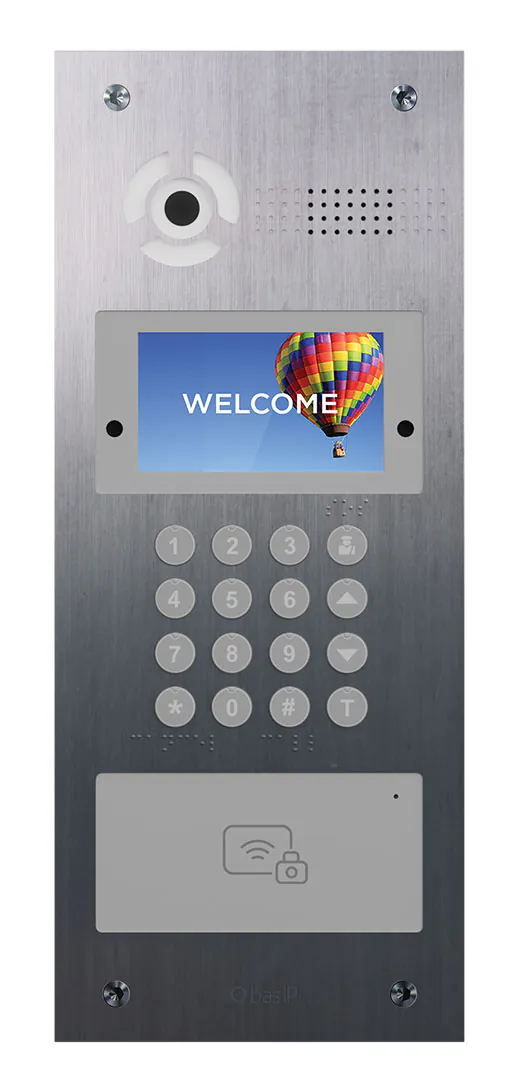
AA-07FBI
Multi-apartment entrance panel with facial recognition, 4.3″ TFT display, BAS-IP UKEY mobile access and external induction loop connectivity
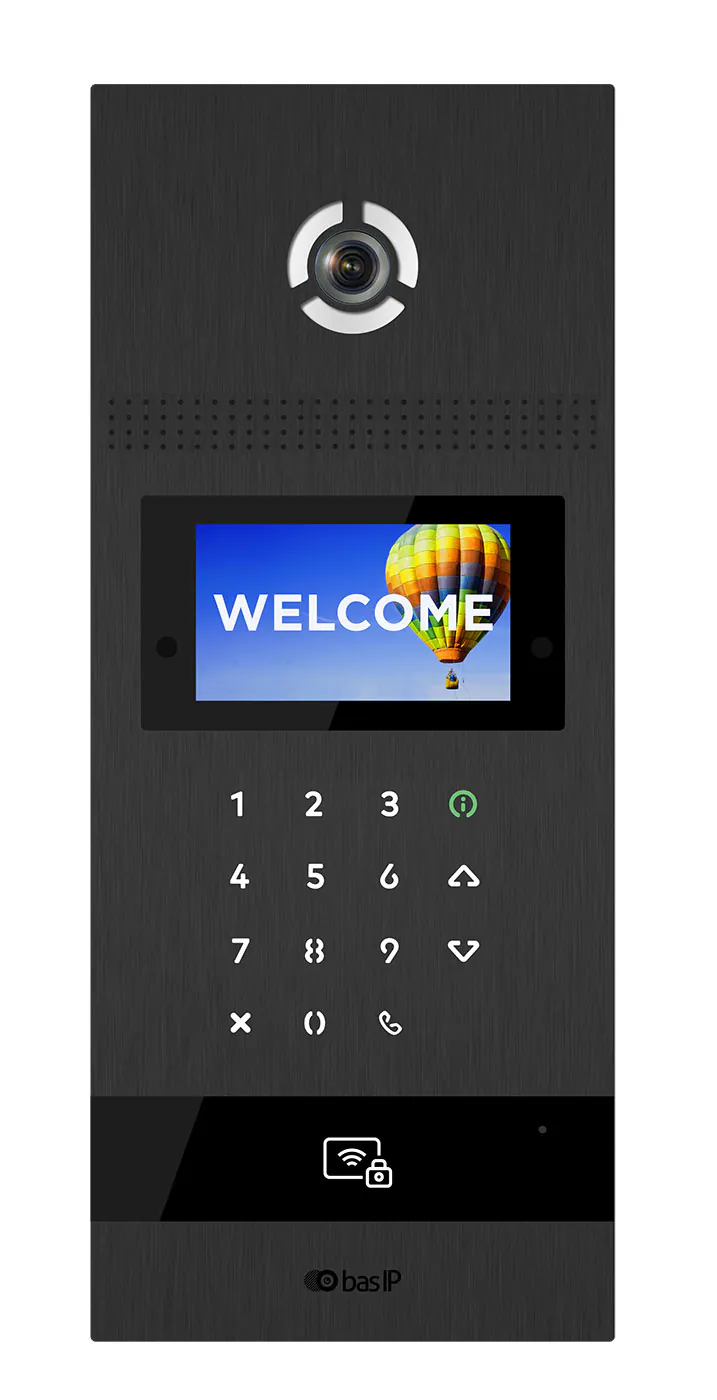
AA-12FBI
Multi-apartment entrance panel with facial recognition, Full HD video, UKEY mobile access and durable piezoelectric buttons
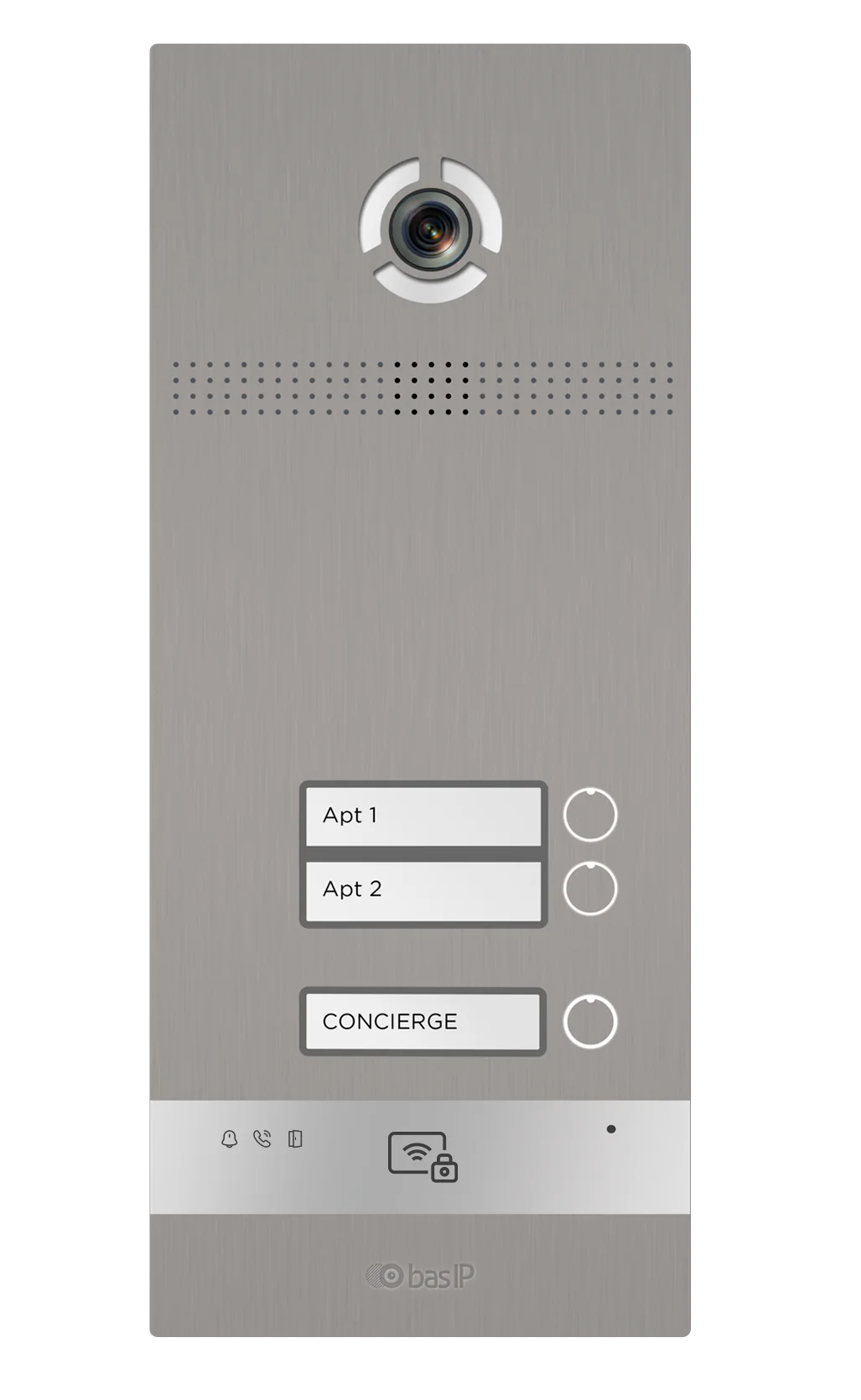
BI-02FBI
2-button door entry panel with facial recognition, UKEY mobile access, external induction loop and status indicators
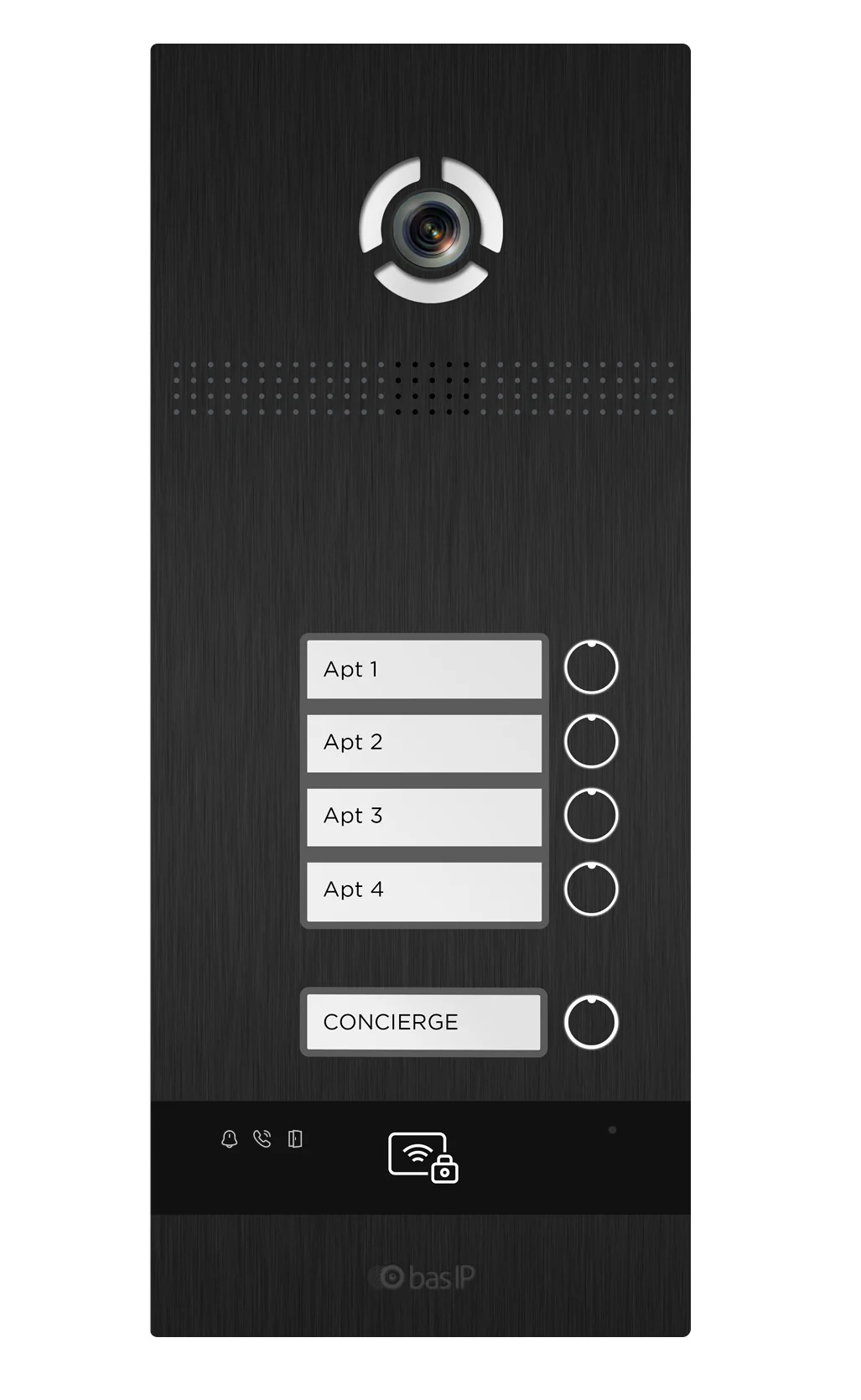
BI-04FBI
4-button door entry panel with facial recognition, UKEY mobile access, external induction loop and status indicators
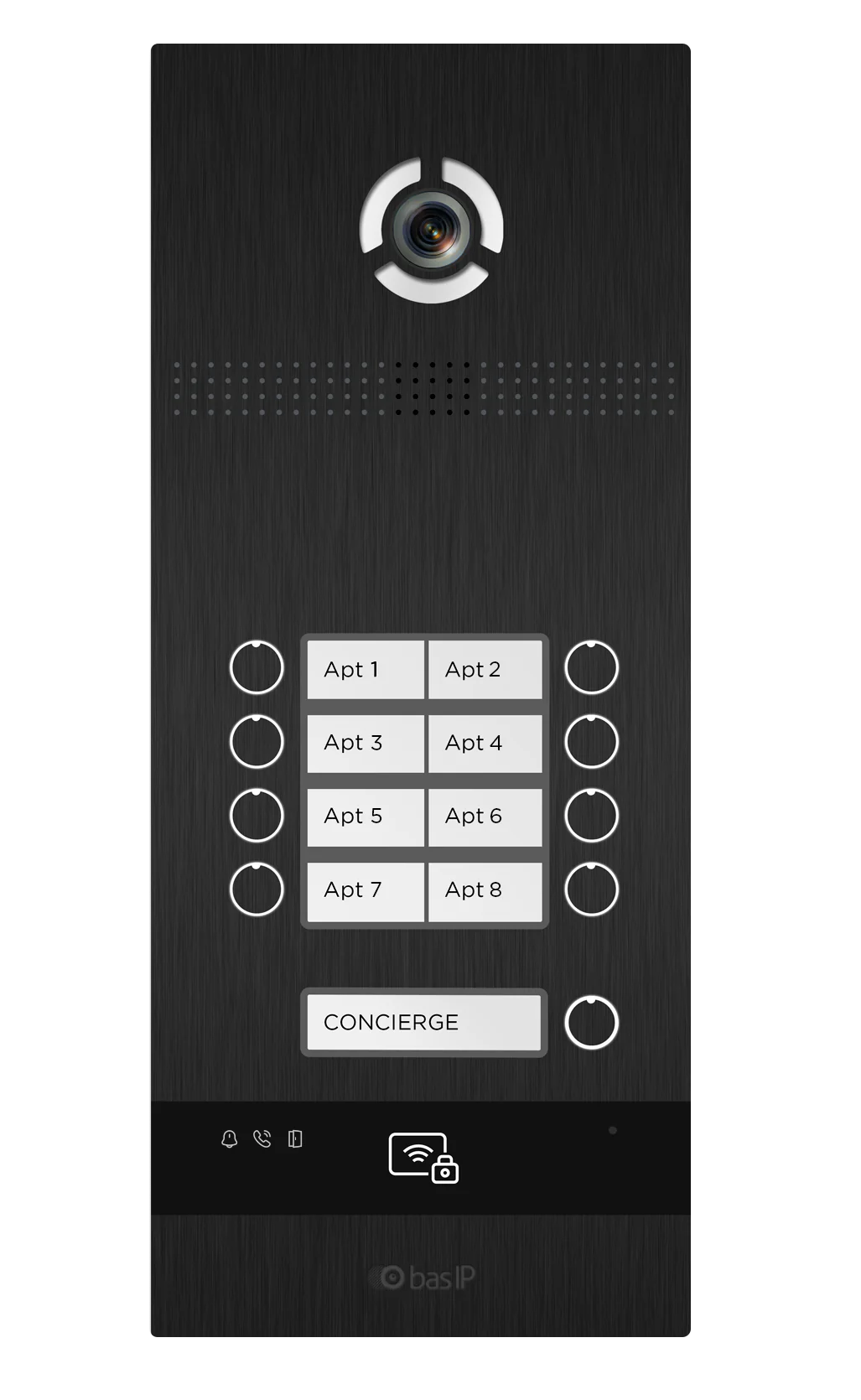
BI-08FBI
8-button door entry panel with facial recognition, UKEY mobile access, external induction loop and status indicators
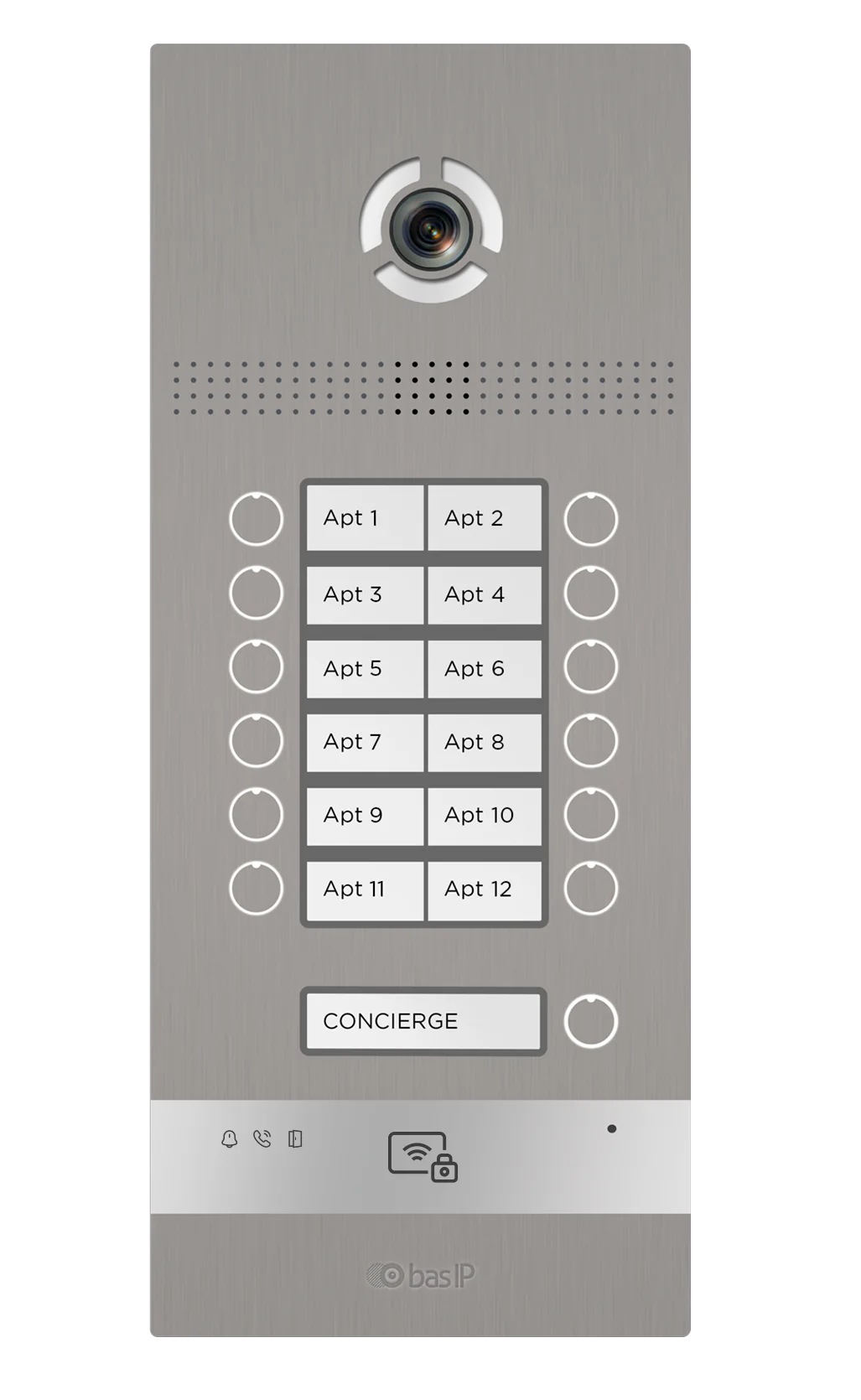
BI-12FBI
12-button door entry panel with facial recognition, UKEY mobile access, external induction loop and status indicators

AV-08FBL
One-button entry panel with facial recognition, 2 MP camera, piezoelectric call button and UKEY reader
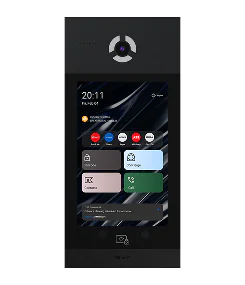
AA-14FBIS
Luxury multi-apartment entrance panel with a 10″ IPS display, face recognition, 120° wide-angle camera and multi-factor authentication
Best-Fit Projects
Best for projects where Alarm.com Service Providers need to add professional visitor access, mobile app calling and premium entrance hardware






Designed for modern MDU entry points
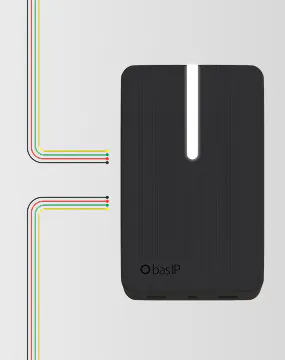
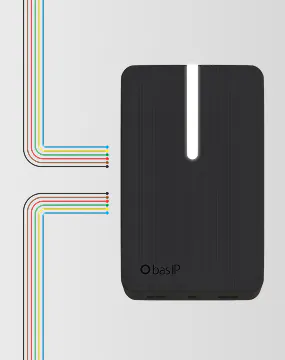
2×OSDP readers
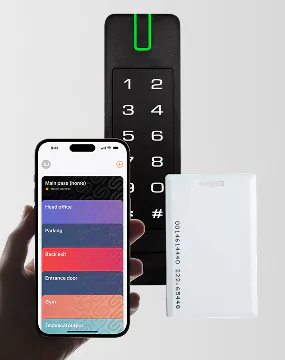
2×Wiegand readers
Mixed reader types
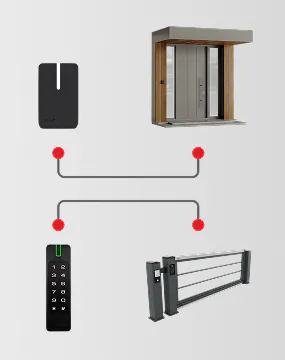
Reader-to-relay mapping
How to Start Selling BAS-IP with Alarm.com
Follow a simple onboarding path: share your project needs, review compatible BAS-IP panels, confirm the purchasing route and prepare your first BAS-IP + Alarm.com project
-
step 1
Request BAS-IP Partner Information
Tell us about your company, region and project focus. BAS-IP will recommend the right onboarding and purchasing path for your Alarm.com projects
-
step 2
Review Compatible Entry Panels
BAS-IP will help you choose suitable entry panels and confirm supported integration workflows for your project type
-
step 3
Confirm the Right Purchasing Path
BAS-IP will help you understand whether to buy through a distributor, dealer channel or direct regional option where available
-
step 4
Test the BAS-IP + Alarm.com Workflow
Qualified partners can request demo equipment and technical onboarding before launching their first project
-
step 5
Launch Your First Project
BAS-IP can support your first qualified project with product selection, configuration guidance and project design assistance
FAQ
Are BAS-IP entry panels integrated with Alarm.com?
Yes. Supported BAS-IP entry panels integrate with the Alarm.com platform for mobile app calling, supported call routing, entry access and available device management workflows.
Can calls be delivered to the Alarm.com mobile app?
Yes. Calls from supported BAS-IP entry panels can be routed through the Alarm.com platform and delivered to the Alarm.com mobile app, where users can see visitors, communicate with them and use supported remote door release workflows.
How can Alarm.com Service Providers get started?
No. BAS-IP indoor monitors are not directly integrated with the Alarm.com platform and remain local BAS-IP endpoints. However, they can still receive calls from BAS-IP entry panels as part of the local BAS-IP call sequence.
Can BAS-IP indoor monitors and the Alarm.com mobile app receive calls in the same sequence?
Yes. Depending on project configuration, BAS-IP indoor monitors can receive calls from BAS-IP entry panels alongside the Alarm.com mobile app — simultaneously or sequentially.
Which BAS-IP panels are supported?
Supported BAS-IP entry panels are listed on this page. Compatibility may depend on model, firmware version, region and project configuration. Contact BAS-IP to confirm the right model for your project.
How can Alarm.com Service Providers buy or test BAS-IP?
Alarm.com Service Providers can request BAS-IP partner information, regional purchasing guidance, demo equipment or technical onboarding by completing the partner request form on this page.
Do I need BAS-IP Cloud for this integration scenario?
No BAS-IP Cloud subscription is required for the supported Alarm.com integration scenario.
Can BAS-IP support my first Alarm.com project?
Yes. BAS-IP can support qualified partners with product selection, demo equipment, technical onboarding and project design guidance.
Request a project quote
Share your country and company type — we’ll propose a configuration for your project.
Thanks, we received your request
We'll follow up to confirm details and prepare a quote.
What you get
Please select a topic below related to your inquiry. If you don't find what you need