
IP Video Intercoms in 2025: what they are, why you need one, and how to choose without mistakes
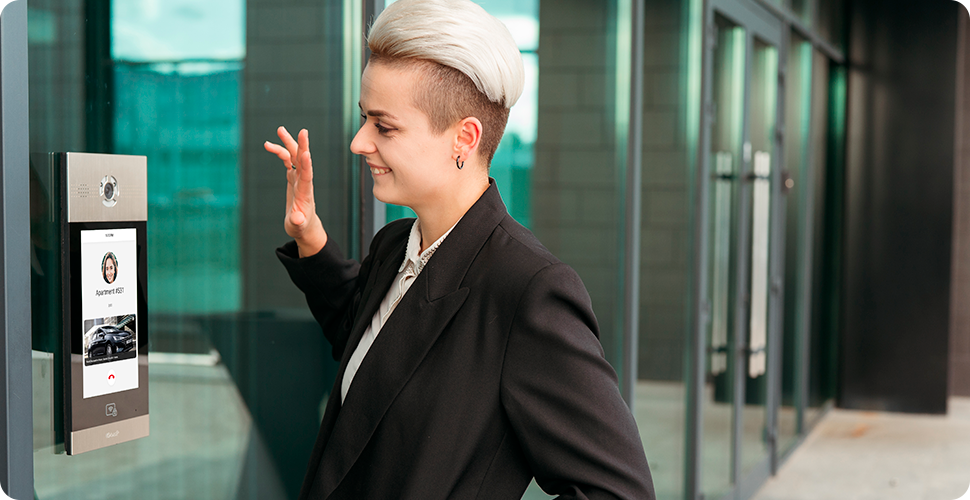
An IP video intercom is a “who’s at the door” system that runs over a regular computer network and the internet. You see the visitor on a monitor in your flat/house/office or in an app on your phone, talk to them, and open the door if needed. The key difference from traditional 2-wire or 4-wire systems is flexibility: devices connect to the network, so it’s easier to scale, link multiple entrances into one system for a home, block, or office, and manage everything remotely. In practice, you can connect dozens of residential buildings in one complex into a single network serving thousands of residents.
How IP video intercoms differ from “ordinary” ones
Three main differences:
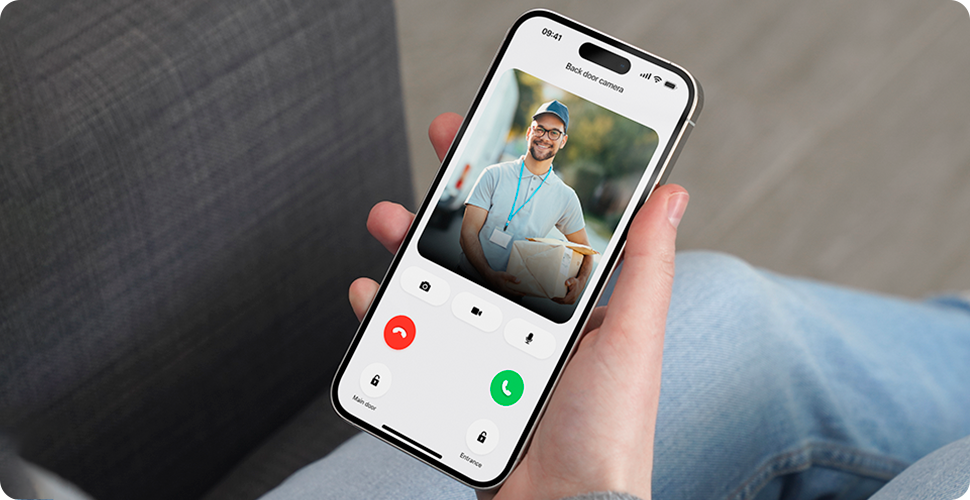
- Calls via the internet and a mobile app. You can answer even when you’re away: a courier arrives, and you open the gate from your smartphone. A neighbor calls; you can ask them to pop back later when you’re home.
- Scalability. Adding another entrance, or even an entire building, is straightforward: install an indoor monitor, connect it to the existing building network, link it to the system in the settings, and that’s it. There’s no need to pull new dedicated cables from the door station to a specific flat and repeat that work every time a new resident wants an intercom.
- Integrations and scenarios. Modern IP intercoms work with access control systems, lifts, gates, and barriers. You can issue temporary codes or digital passes for guests and couriers.
What the system consists of
- Door station at the entrance (to a flat, office or house). Camera, call button (or keypad), microphone and speaker — the basics. Often there’s also a card/fob reader, or you can open using a QR code on a smartphone.
- Indoor screen/monitor. A wall-mounted display (screen sizes typically 4–10 inches), usually touch (more common) or with physical buttons (less common) so you can see, talk and open. You can install one monitor or several around the home/office and link them together. Sometimes it may be an audio handset without a screen (e.g., BAS-IP SP-03).
- Mobile app. Shows the call on your phone, provides video and door/lock control if connected. You might be at work, away from home; when someone rings you see who it is and can talk to them.
- Access control. If needed, an IP intercom system can also include digital passes for residents/staff, temporary guest codes, time- and zone-based restrictions, and much more.
- Network. The “roads” between devices. Buildings are pre-wired; routers and internet are installed; sometimes there are switches with Power over Ethernet (PoE). An electrician/integrator will sort this.
Where an IP intercom is especially useful
Flat/private house. See the courier or guest, talk to them, open the gate/door from your phone. In the evening (or if you have small children with a sleep schedule) you can enable “do not disturb” or auto-forward calls to your phone. You can also simply open the camera view in the app to check who’s outside (for example, if you hear an odd noise by the door).
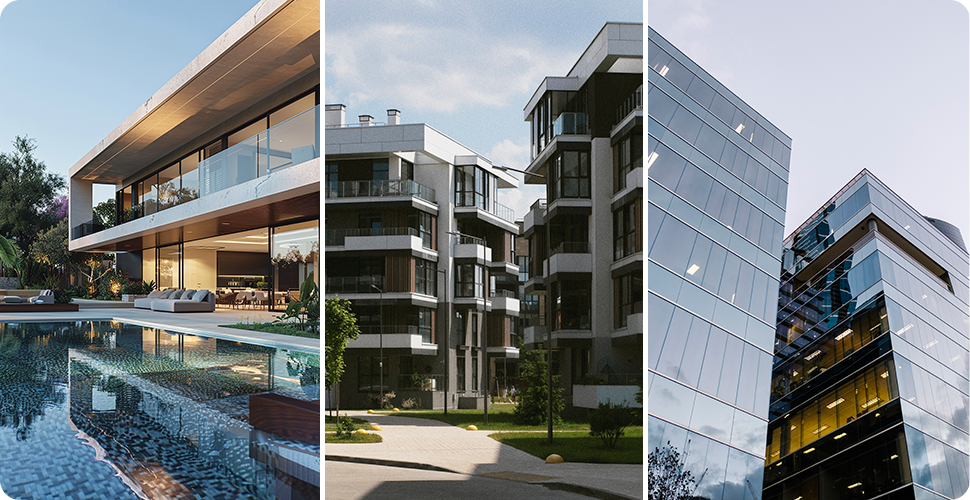
Entrance/block/residential complex. Intercoms on multiple entrances, addressing by flat, convenient guest passes. The management company sees statistics: who called, which doors were opened, where errors occurred, and more.
Office/business centre. Reception answers calls; visitors get short-term guest codes; night-time calls go to security. The system links with turnstiles and lifts so guests reach only permitted areas.
Core features that should be “out of the box”
- Video call with an event log. So you can review who called and when.
- Call forwarding to your phone. A video call pops up; you see who’s calling and decide whether to talk and whether to open.
- Smart access methods. Cards/fobs, NFC/Bluetooth on a smartphone, one-time QR codes for guests and couriers.
- Scenarios. “Day/Night”, “Weekend”, “Child mode”.
- Gate/door control, including a second door. Handy for houses and lobby vestibules, or separate vehicle gates.
- Simple admin console. Add a resident, issue a pass in one click, remove access for a departing tenant, quickly and easily.
How to choose a brand and model without regrets
- Decide how you’ll answer calls. Only from the indoor monitor in the flat/house? Or do you need to answer remotely when you’re away?
- Think about entry methods (for you and for guests). How will you open: card, smartphone, PIN? Do you need guest passes “until 20:00 today”? For rentals and offices that’s critical.
- Assess the door station location. Outdoors or indoors? For outdoor use you need weather-resistant stations (rain or snow) with decent night image, a clear, easy call button and good audio so you’re heard despite street noise.
- Look at the ecosystem. Door station and indoor monitor should be from the same brand so you don’t get installation surprises.
- Ask about support. Updates, warranty, remote help, clear documentation. Intercoms are a long-term purchase longevity matters.
Common questions before buying
Can I answer if I’m not at home? Of course that’s one of the basic, essential IP features. Via the phone app you can see who’s come, talk to them and decide whether to open.
What if the internet drops? Local calls inside the home/office usually still work. You’ll open from the indoor screen. When the connection returns, calls to your phone and other remote functions resume.
What about privacy and security? Serious systems separate resident and admin rights, keep an event log, and allow remote revocation of lost passes. It’s very important to choose a brand with regular updates and proper security.
Everyday IP intercom scenarios that save time and stress
- Delivery. You’re away and answer via the app on your phone, ask to leave the parcel in a safe place, open the gate remotely if needed.
- Guests for a party. Create a temporary guest QR code for the evening; people let themselves in and you don’t dash to the door every time, everyone has their own temporary key.
- Child mode. A child is home alone, notifications for every call also reach the parents.
- Office hours. Daytime calls go to reception; evenings to security; at weekends entry is by guest code only.
How to tell the system is set up properly
- Calls connect quickly, without long delays.
- Picture and sound are clear, without echo or heavy artefacts during a call or when viewing video.
- The door opens first time, and the action appears in the event log.
- The app is stable: notifications arrive; the door-station camera view opens promptly.
- Admin is straightforward, adding/removing users is quick and easy.
Step-by-step rollout (for a homeowner, residents’ association or office)
- Define the tasks. Who answers? Do you need guest passes? How many entrances and indoor screens?
- Run a quick pilot. Install one door station and one screen, connect the app. Often you can see how a brand works in advance on a distributor’s demo stand. Judge the convenience “hands on”.
- Lock the configuration. Locations, power, internet, user list and permissions.
- Install and configure. Mounting, network connection, adding residents/staff, testing the main modes.
- Training and support. Short user guide, a named contact, an updates plan.
Mistakes that lead to disappointment
- Buying “by the pretty picture” without testing devices and mobile calls end up unreliable. Fix: try the kit in person first.
- Building a system from unrelated components so they “don’t play nicely”. Fix: one ecosystem (multi-tenant door station, individual door station, indoor monitor and, if needed, connected card readers or IP cameras) or at least pre-check compatibility.
- Poor installation location. The station is blinded by sun in the daytime and drenched by rain in winter. Fix: plan angle and weather protection (your installer should handle this).
- No responsible owner. No one to add a new resident, revoke a lost pass or change modes. Fix: appoint an administrator (management company/responsible staff member).
Bottom line
An IP video intercom is about comfort and control. It makes entry easier for your own users and safer for everyone: you see who’s there, control the door at home and remotely, issue guest passes “for a limited time”, and revoke access at any moment. To choose well, think not in brands and acronyms but in everyday scenarios: who will use it, how, and what matters to you. Everything else (choosing specific hardware and installing it) follows once you’ve answered those questions honestly.